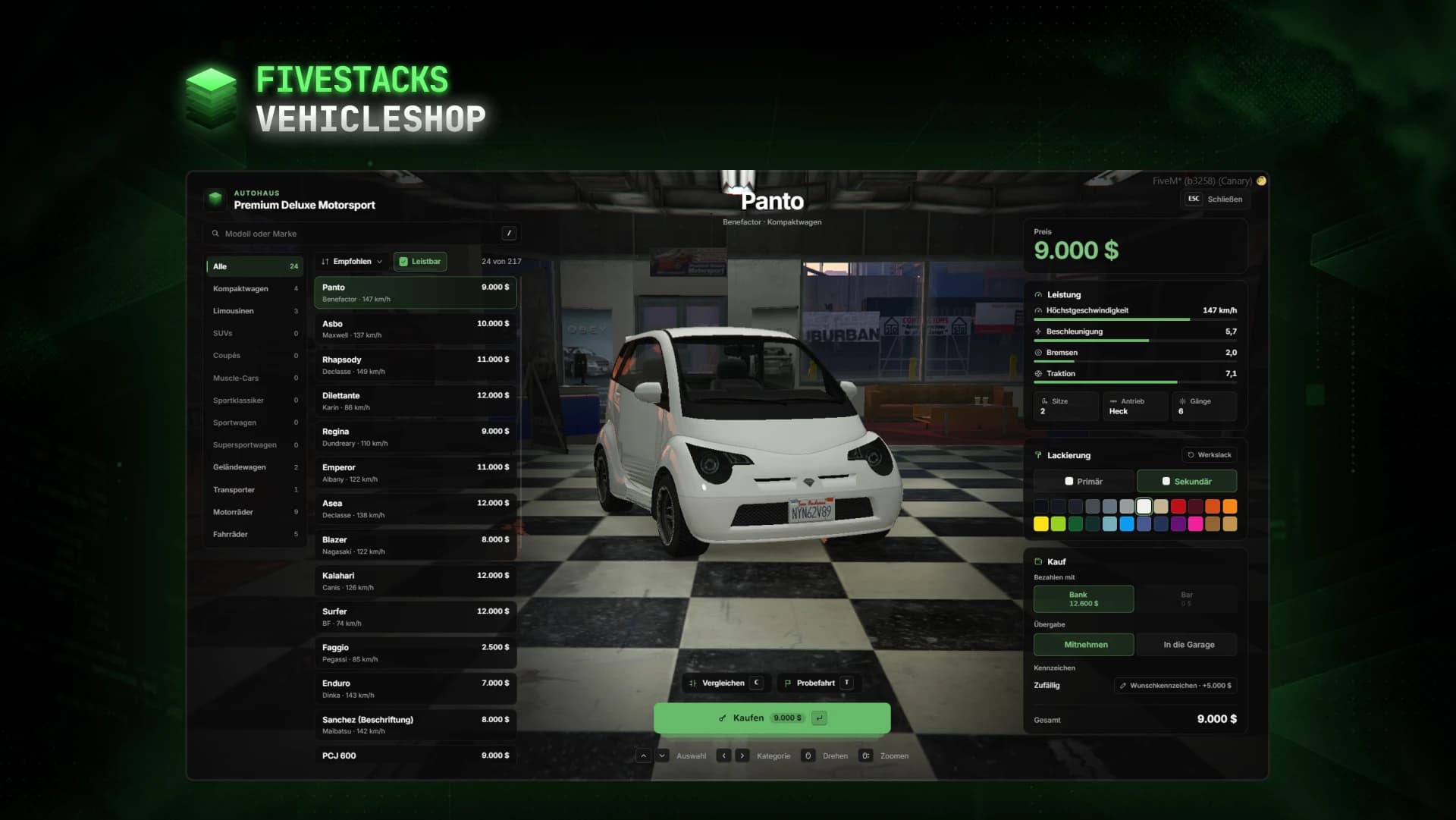
- > ensure fivestacks_vehicleshop
- [fivestacks_vehicleshop] v1.0.0 started, framework: qbx, vehicles: player_vehicles, 1 shop(s), 217 vehicle(s) for sale, fivestacks.dev
fivestacks_vehicleshop
0.00ms
Take the tour
What each part of the menu does. Hover or tap a point.
What Vehicle Shop does
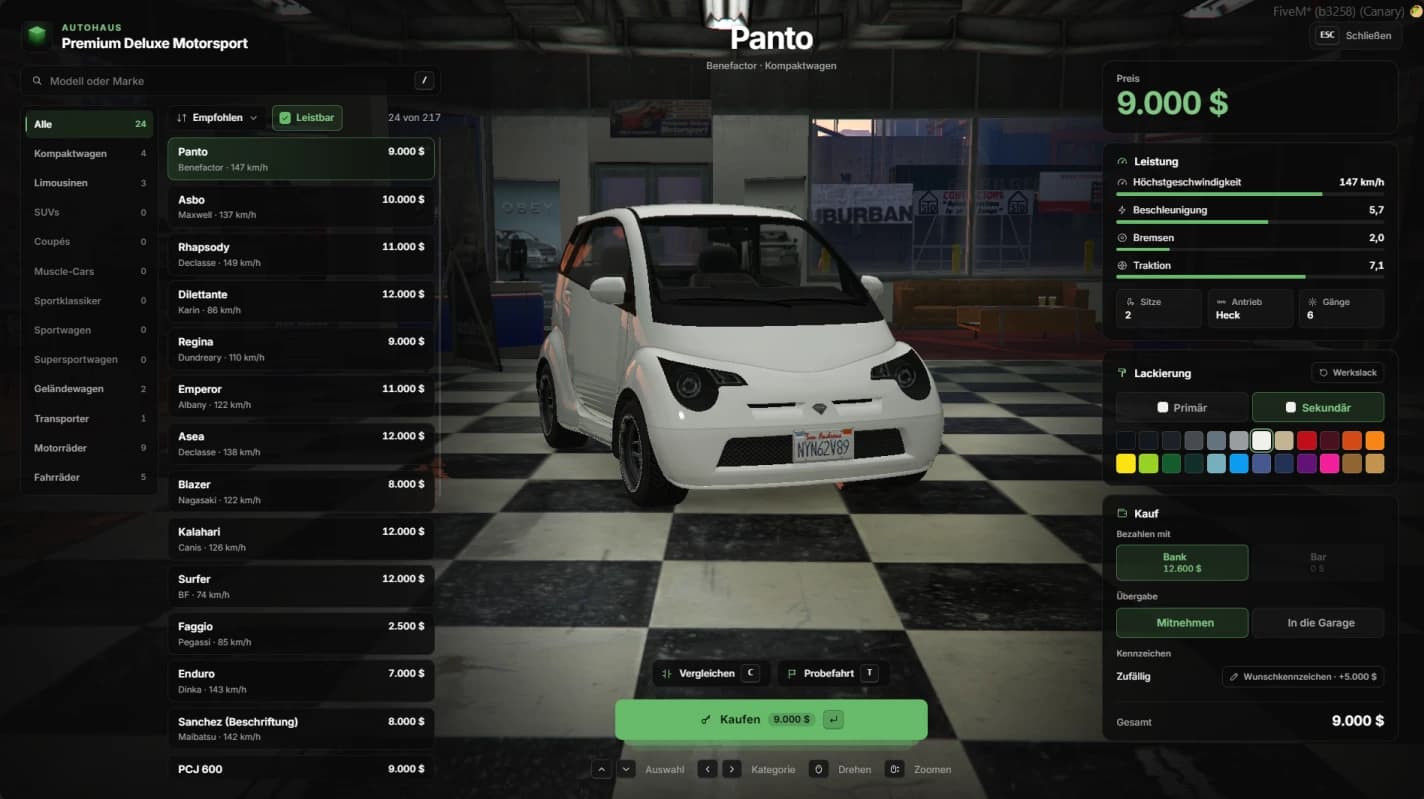
Players browse the dealership by category while the selected vehicle turns in the showroom in the paint they pick. They compare performance, take a timed test drive and pay from bank or cash. The new vehicle waits outside with them in the driver seat, or goes straight to their garage.
- 244 GTA vehicles in 15 categories out of the box
- Or your framework's own vehicle list as the catalog
- Premium Deluxe Motorsport set up, boat and aircraft dealers as examples
- 24 paints for primary and secondary color
- Shops can be limited to jobs and grades
- Society share, Discord log and purchase hooks
Live showroom
The selected vehicle stands in the showroom in the chosen paint. It turns slowly, players drag it and zoom with the mouse wheel, and the camera fits every vehicle's size.
Search, sort and filter
Categories with counts and a search by model, make or category. Sort by price, name or top speed, and an affordable filter remembers the player's choice.
Performance and compare
Top speed, acceleration, braking and traction come from the game's own model data, rated against the best vehicle in the shop. Press C to pin one, and every other vehicle shows the difference.
Test drives
A timed drive in the chosen paint, 60 seconds by default. It ends when time is up, the player gets out, presses X or drives too far, and the showroom opens again with the same vehicle.
Pay and hand-over
Pay from bank or cash, with accounts that are too short greyed out. The vehicle waits outside with the player in it or is parked in the garage, and custom plates cost 5,000 extra.
Safe purchases
Prices only come from the server. The vehicle is saved first and the money taken last, and a vehicle that cannot be handed over outside waits in the garage, never lost and never double.
Fits into your server
Fuel and key scripts are detected automatically. Any other one can be added in the config without touching code.
Fuel
- ox_fuel
- LegacyFuel
- cdn-fuel
- ps-fuel
- lj-fuel
- qb-fuel
- native
Vehicle keys
- qbx_vehiclekeys
- qb-vehiclekeys
- wasabi_carlock
- MrNewbVehicleKeys
Society money
- esx_addonaccount
- qb-banking
- qb-management
- Renewed-Banking
Garages
- fivestacks_garage
- any garage that reads owned_vehicles or player_vehicles
Database
- MySQL
- MariaDB
- PostgreSQL
Controls
- Open the dealership at the markerE
- Choose a vehicle↑↓
- Switch category←→
- Search/
- Pin a vehicle to compareC
- Start a test driveT
- End the test drive earlyX
- BuyEnter
- CloseEsc
- Turn the vehicleDrag
- ZoomScroll
Config and exports
The config, locales and framework bridges are plain Lua you can edit. These snippets come straight from the files you get.
config/config.lua
Config.Shops.pdm = {
    Label = 'Premium Deluxe Motorsport',
    Type = 'car',                                   -- 'car', 'boat' or 'air'
    Coords = vector3(-33.70, -1102.00, 26.44),      -- where the player opens the shop
    Preview = vector4(-47.50, -1097.20, 25.44, 250.0), -- where the showroom vehicle stands
    Spawns = { vector4(-28.60, -1085.60, 25.95, 330.0) }, -- where bought vehicles wait
    -- TestDrives = { vector4(...) },               -- where test drives start (Spawns otherwise)
    -- Categories = { 'super', 'sports' },          -- only these categories
    -- Jobs = { cardealer = 0 },                    -- only this job, from grade 0
    Garage = 'pillboxgarage',                       -- QBCore / Qbox garage name for bought vehicles
    Blip = { Sprite = 326, Color = 2, Scale = 0.8 },
}
Installation
7 steps from download to a running script. Pick a step to see what goes where.
- resources
resources/└─ [fivestacks]/ └─ fivestacks_vehicleshop/ ├─ bridge/ ├─ client/ ├─ config/ ├─ locales/ ├─ server/ ├─ shared/ ├─ sql/ ├─ web/ ├─ fxmanifest.lua └─ README.md
Step 1 of 7
Frameworks
| Framework | Money | Detected by |
|---|---|---|
| Qbox | Cash and bank through qbx_core exports | qbx_core |
| QBCore | Cash and bank through player functions | qb-core |
| ESX | Money and bank accounts | es_extended |
Changelog
v1.0.0Sep 29, 2026
- First release
How buying works
Sales open on October 16. Until then you can look around and ask questions on Discord.
- 1
Open a ticket
Pick a script and open a ticket on our Discord to buy it.
- 2
Get the resource
You receive the resource folder, with the config, locales and framework bridges open to edit.
- 3
Ensure it
Drop it into your resources, add ensure to server.cfg and restart.
More scripts
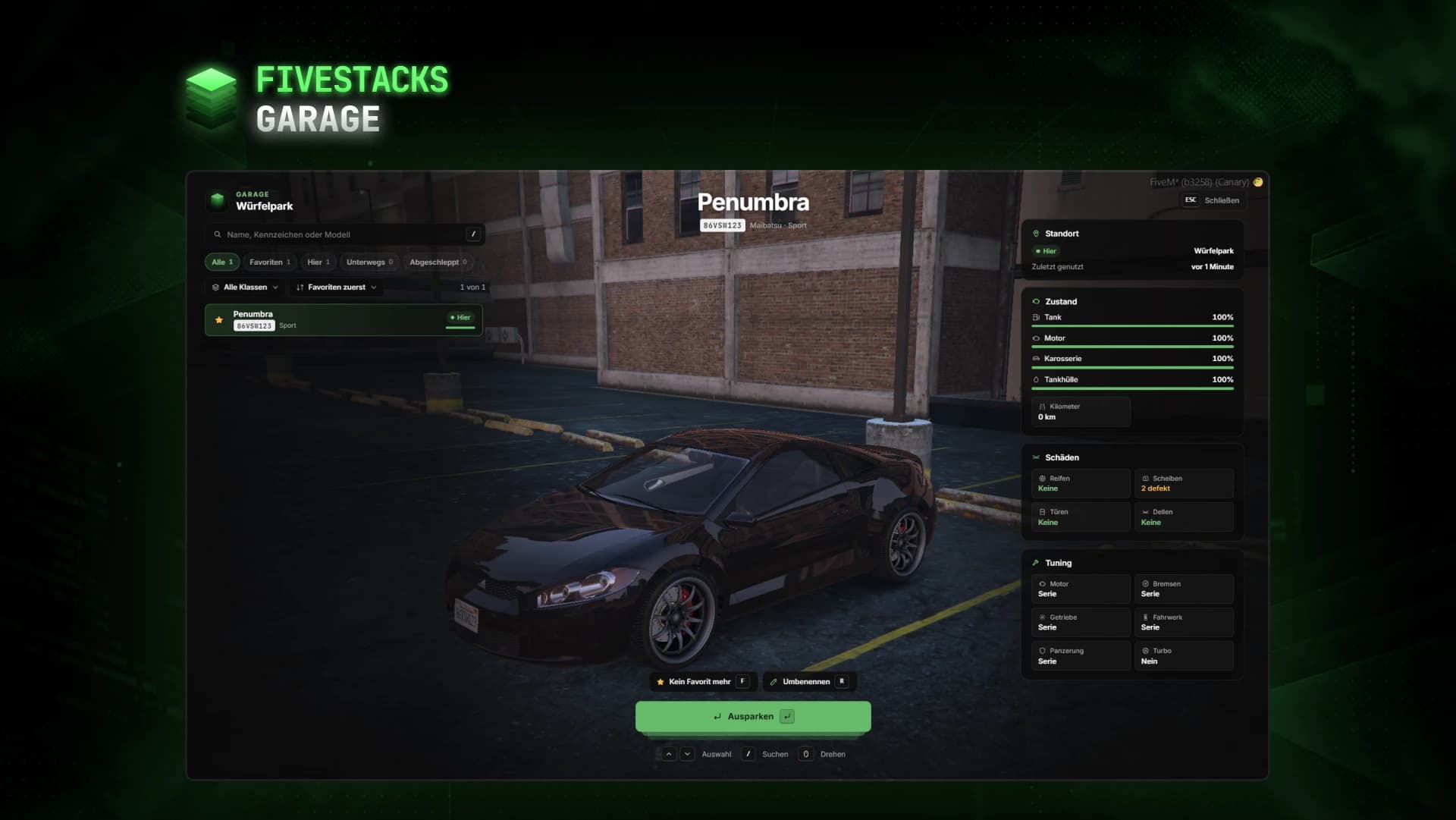
Garage
€50Car, boat and air garages with a live preview, where every vehicle comes out exactly as it went in.
- ESX
- QBCore
- Qbox
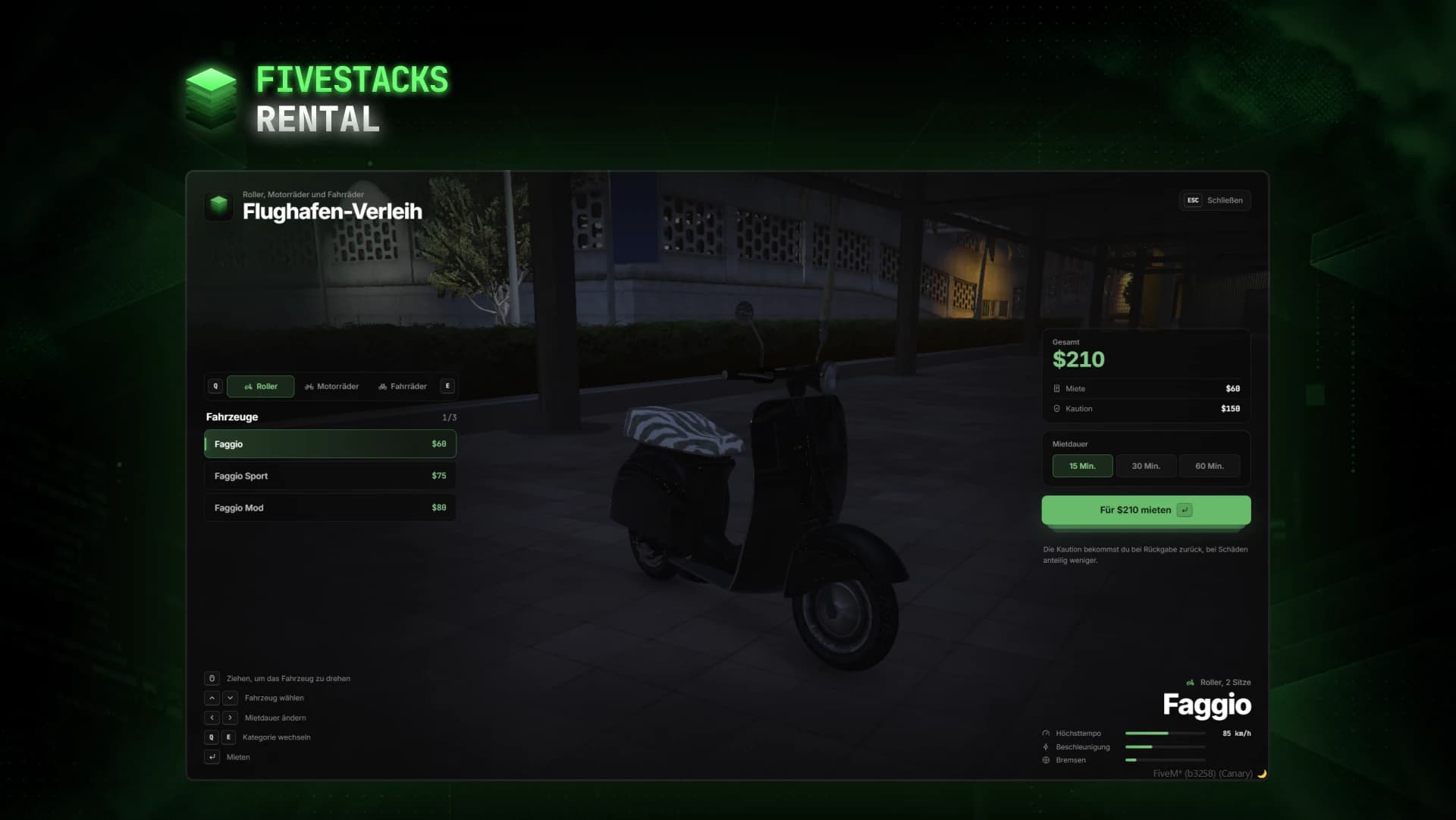
Vehicle Rental
€30Scooter, motorcycle and bicycle rental with a live 3D vehicle preview.
- ESX
- QBCore
- Qbox
- Standalone
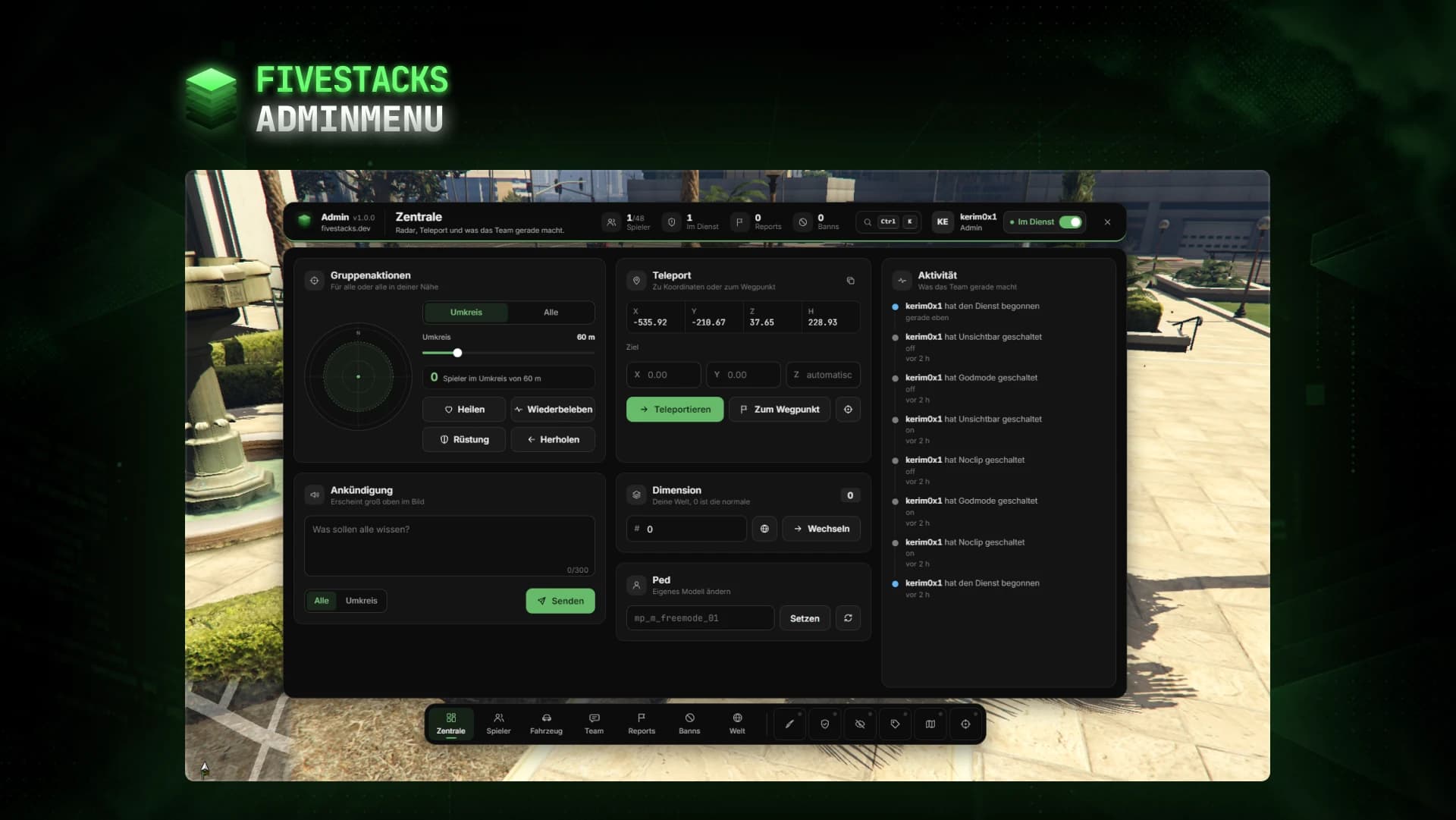
Admin Menu
€80An admin menu for players, vehicles, reports, bans, team chat, weather and developer tools.
- ESX
- QBCore
- Qbox
- Standalone