- > ensure fivestacks_admin
- [fivestacks_admin] v1.0.0 started, framework: qbx, world: fivestacks, database: mysql, 3 rank(s), 0 active ban(s), fivestacks.dev
fivestacks_admin
0.00ms
Take the tour
What each part of the menu does. Hover or tap a point.
What Admin Menu does
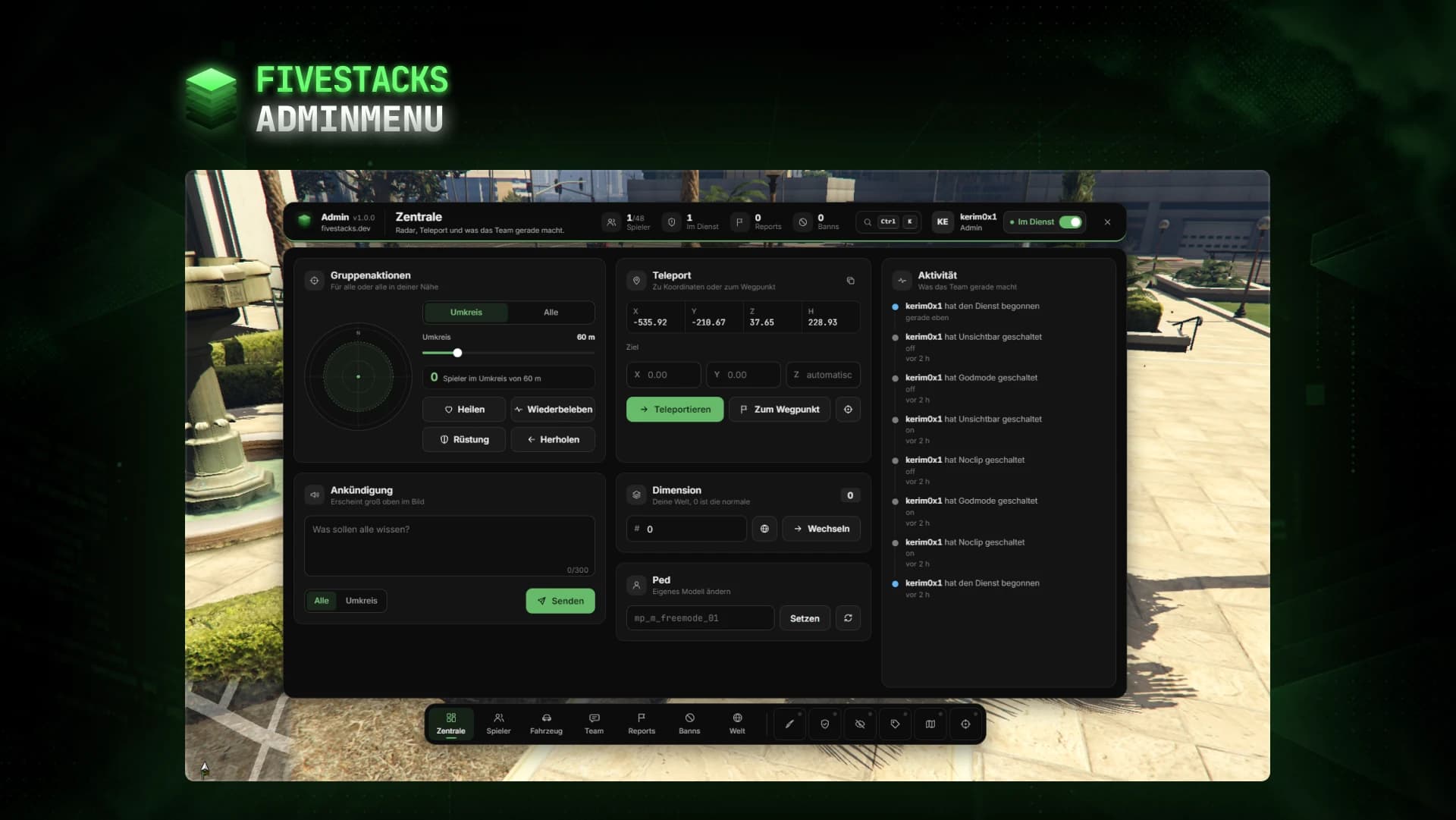
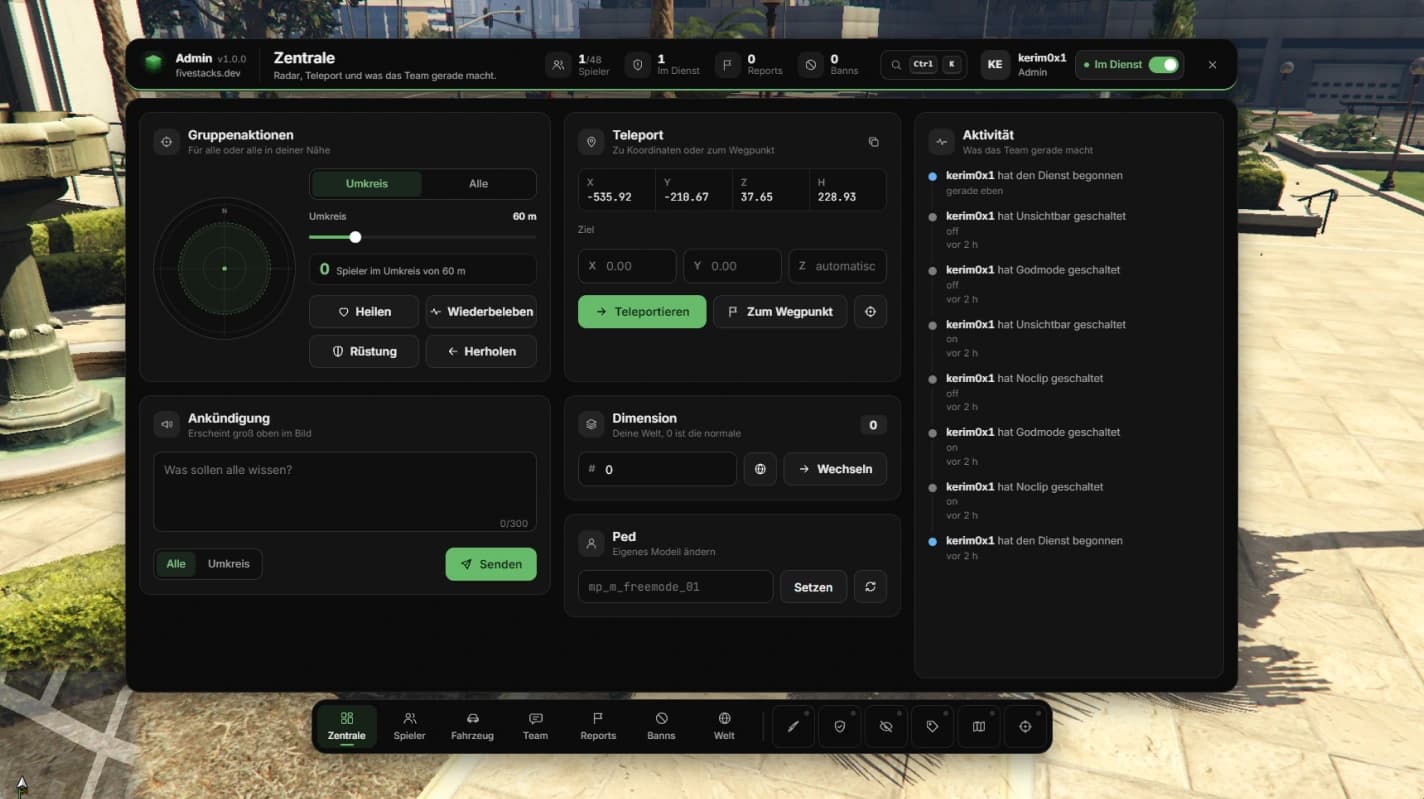
Staff open one menu with F10: a bar with live numbers and the duty switch, the workspace, and a dock with every page and mode. They manage players and vehicles, answer reports, ban, talk in a team chat and set weather and time, all on admin duty. Players send reports with /report, and the server checks every action for rank, permission and duty.
- 8 pages and 6 modes in one menu
- 3 ranks and 48 permissions out of the box
- 6 ban durations, from 1 hour to permanent
- 6 troll actions, each can be turned off
- 15 weather types with built-in sync
- Discord webhooks in 7 categories
- Team chat, reports and activity reset on restart
Bar, workspace and dock
The bar shows players online, admins on duty, open reports and active bans live. The dock holds every page and your modes, and Ctrl + K finds players, pages and actions.
Player tools
Search, filter and sort the roster, then open a player for character, job, money, condition and warnings. Go to, bring, spectate, heal, revive, freeze, give items or money and set a job.
Vehicle page
Spawn on the server with favorites and history. Repair, wash, tune, flip, set the fuel, pop single tires on a top view and look up any plate with its owner.
Reports and team chat
Players send reports with /report. Admins get a notification, take them over, answer, teleport and close them, and talk in a live team chat or with /tc.
Bans and warnings
Bans are checked on connect by every identifier and optionally the hardware tokens. Offline players can be banned by identifier, and bans and warnings live in MySQL, MariaDB or PostgreSQL.
Ranks and duty
Ranks with single permissions that inherit from lower ranks. The server checks rank, permission, duty and input, and nobody can punish a higher rank.
Fits into your server
Detected when they run. Revive, heal, uncuff, skin menu and vehicle keys call your framework's events, set per framework in the config.
Inventory
- ox_inventory
- framework inventory
Fuel
- ox_fuel
- LegacyFuel
- cdn-fuel
- ps-fuel
- native
Weather and time
- built-in sync
- qb-weathersync
Skin menu
- esx_skin
- qb-clothing
- illenium-appearance
Controls
- Open the menuF10
- Command paletteCtrlK
- CloseEsc
- Noclip on or offF9
- Fly in noclipWASD
- Noclip up and downSpaceCtrl
- Noclip faster or slowerShiftAlt
- Noclip speed levelScroll
- Stop spectatingBackspace
Config and exports
The config, locales and framework bridges are plain Lua you can edit. These snippets come straight from the files you get.
config/server.lua
ServerConfig.Ranks = {
  {
    Id = 'supporter', Label = 'Supporter',
    Ace = 'fivestacks.admin.supporter', Groups = { 'supporter', 'mod', 'moderator' },
    Permissions = {
      'menu', 'duty', 'noclip', 'nametags', 'coords', 'teleport',
      'players', 'player.details', 'player.goto', 'player.bring',
      'player.spectate', 'player.freeze', 'player.heal', 'player.revive',
      'player.message', 'player.warn', 'player.kick', 'player.uncuff',
      'chat', 'reports', 'bans',
    },
  },
  {
    Id = 'admin', Label = 'Admin', Inherits = 'supporter', -- takes over every supporter permission
    Ace = 'fivestacks.admin.admin', Groups = { 'admin' },
    Permissions = {
      'godmode', 'invisible', 'blips', 'announce', 'dimension', 'ped', 'group',
      'player.identifiers', 'player.armor', 'player.kill', 'player.ban',
      'player.items', 'player.skin', 'player.ped', 'player.job',
      'vehicles', 'vehicle.spawn', 'vehicle.edit', 'vehicle.delete',
      'vehicle.clear', 'vehicle.lookup', 'bans.manage', 'world',
    },
  },
  {
    Id = 'owner', Label = 'Owner', Inherits = 'admin',
    Ace = 'fivestacks.admin.owner', Groups = { 'superadmin', 'owner', 'god' },
    Permissions = { '*' }, -- everything
  },
}
Installation
6 steps from download to a running script. Pick a step to see what goes where.
- resources
resources/└─ [fivestacks]/ └─ fivestacks_admin/ ├─ bridge/ ├─ client/ ├─ config/ ├─ locales/ ├─ server/ ├─ shared/ ├─ sql/ ├─ web/ ├─ fxmanifest.lua └─ README.md
Step 1 of 6
Changelog
v1.0.0Sep 29, 2026
- First release
How buying works
Sales open on October 16. Until then you can look around and ask questions on Discord.
- 1
Open a ticket
Pick a script and open a ticket on our Discord to buy it.
- 2
Get the resource
You receive the resource folder, with the config, locales and framework bridges open to edit.
- 3
Ensure it
Drop it into your resources, add ensure to server.cfg and restart.
More scripts
Personal Menu
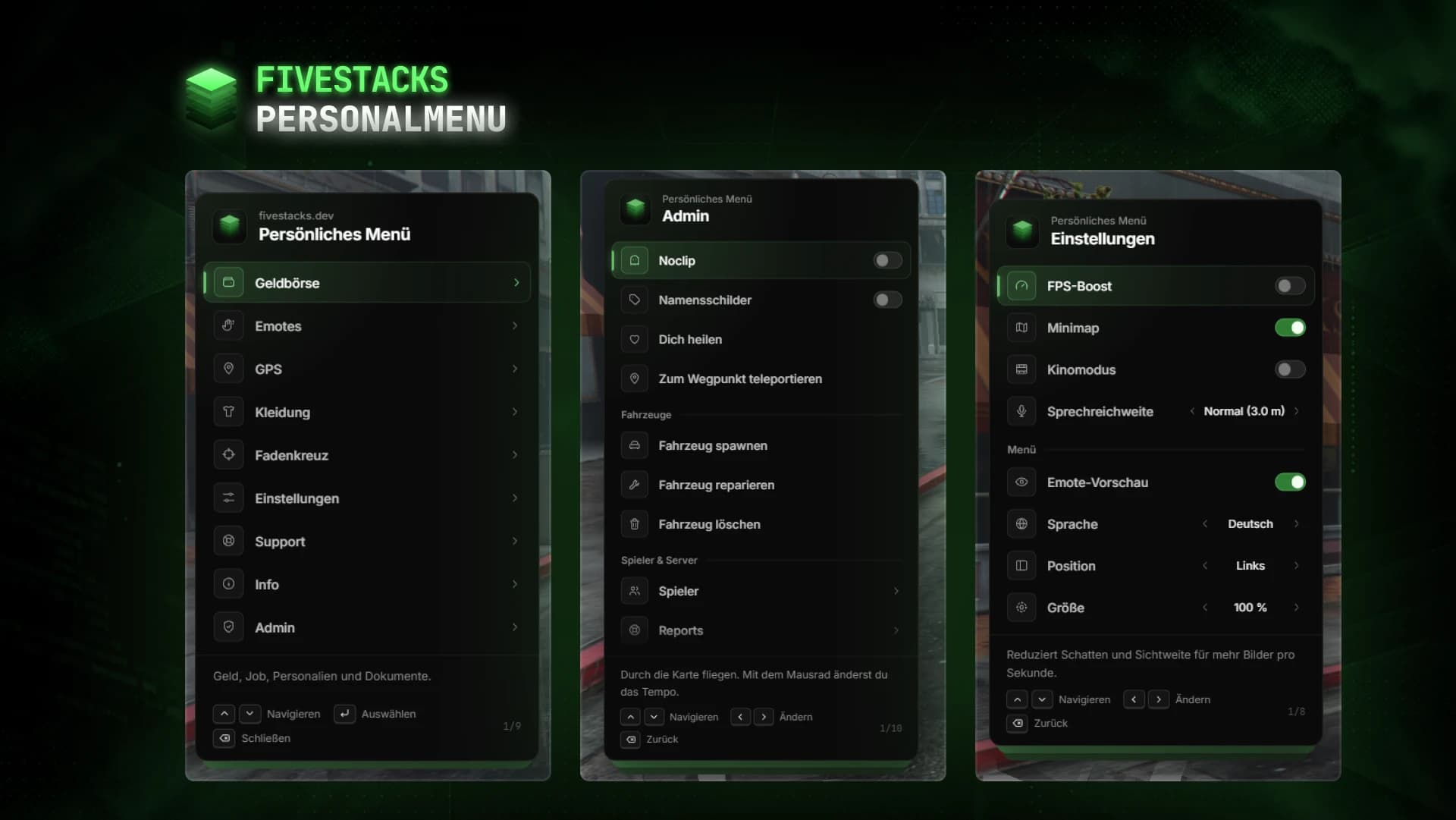
€80Wallet, documents, emotes, settings and admin tools in one F5 menu.
- ESX
- QBCore
- Qbox
- Standalone
Character Creator
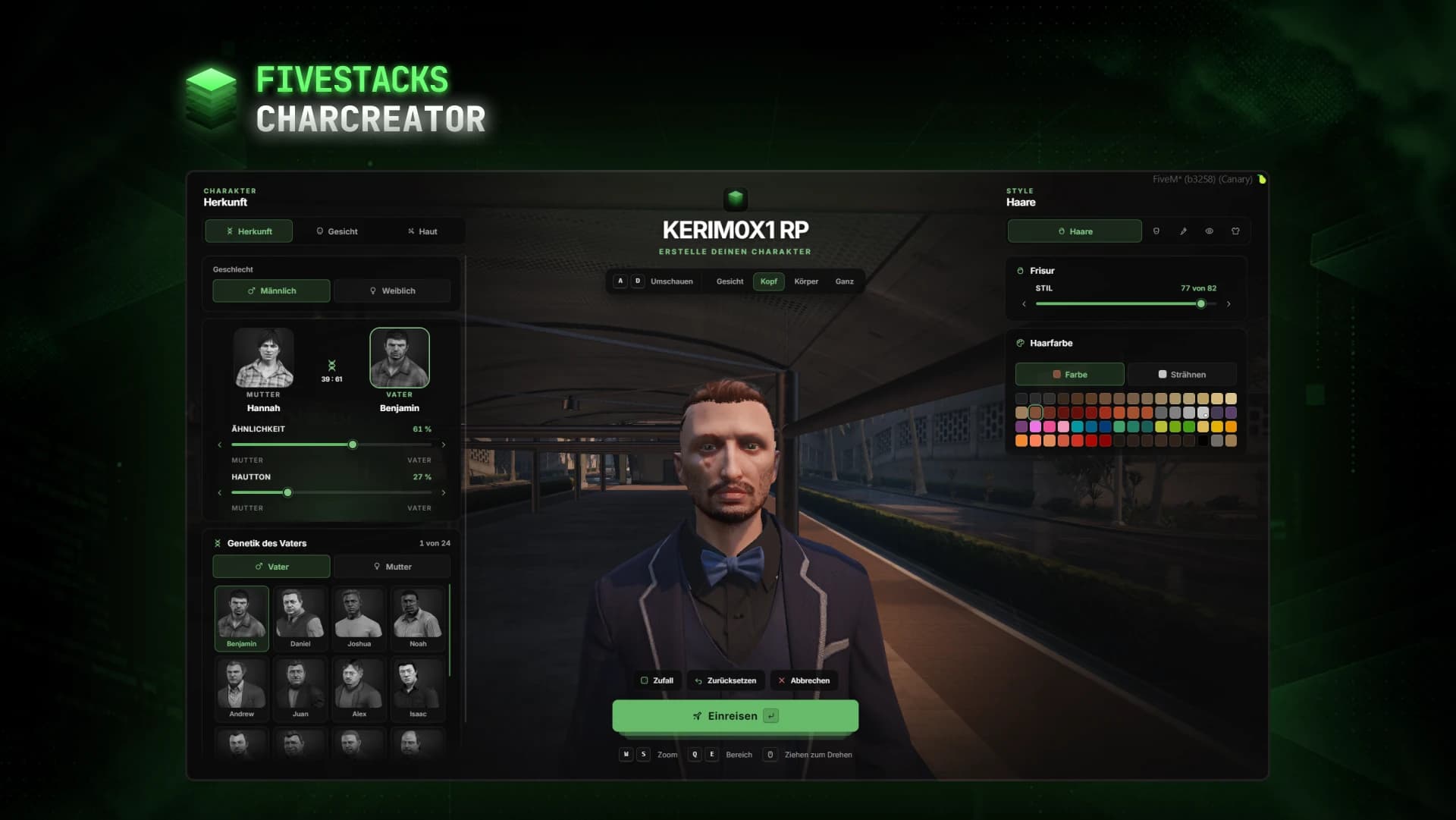
€80Fullscreen character creator with heritage, face, skin, hair, make-up and clothes live on the character.
- ESX
- QBCore
- Qbox
- Standalone
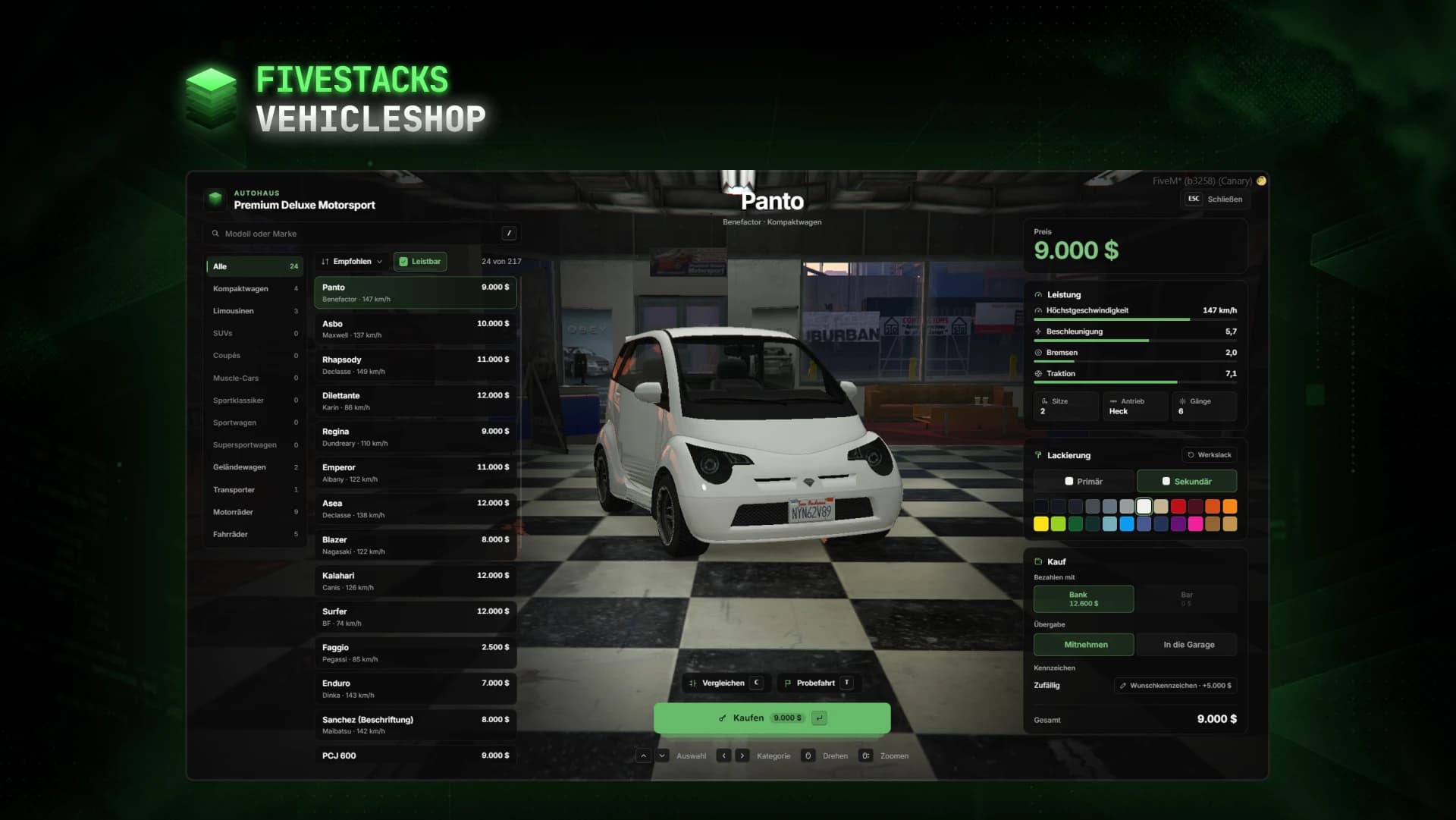
Vehicle Shop
€80Vehicle dealership with a live showroom, compare, paint, test drives and custom plates.
- ESX
- QBCore
- Qbox