- > ensure fivestacks_charcreator
- [fivestacks_charcreator] v1.0.0 started, framework: qbx, saving: illenium-appearance, hooks: none, fivestacks.dev
fivestacks_charcreator
0.00ms
Take the tour
What each part of the menu does. Hover or tap a point.
What Character Creator does
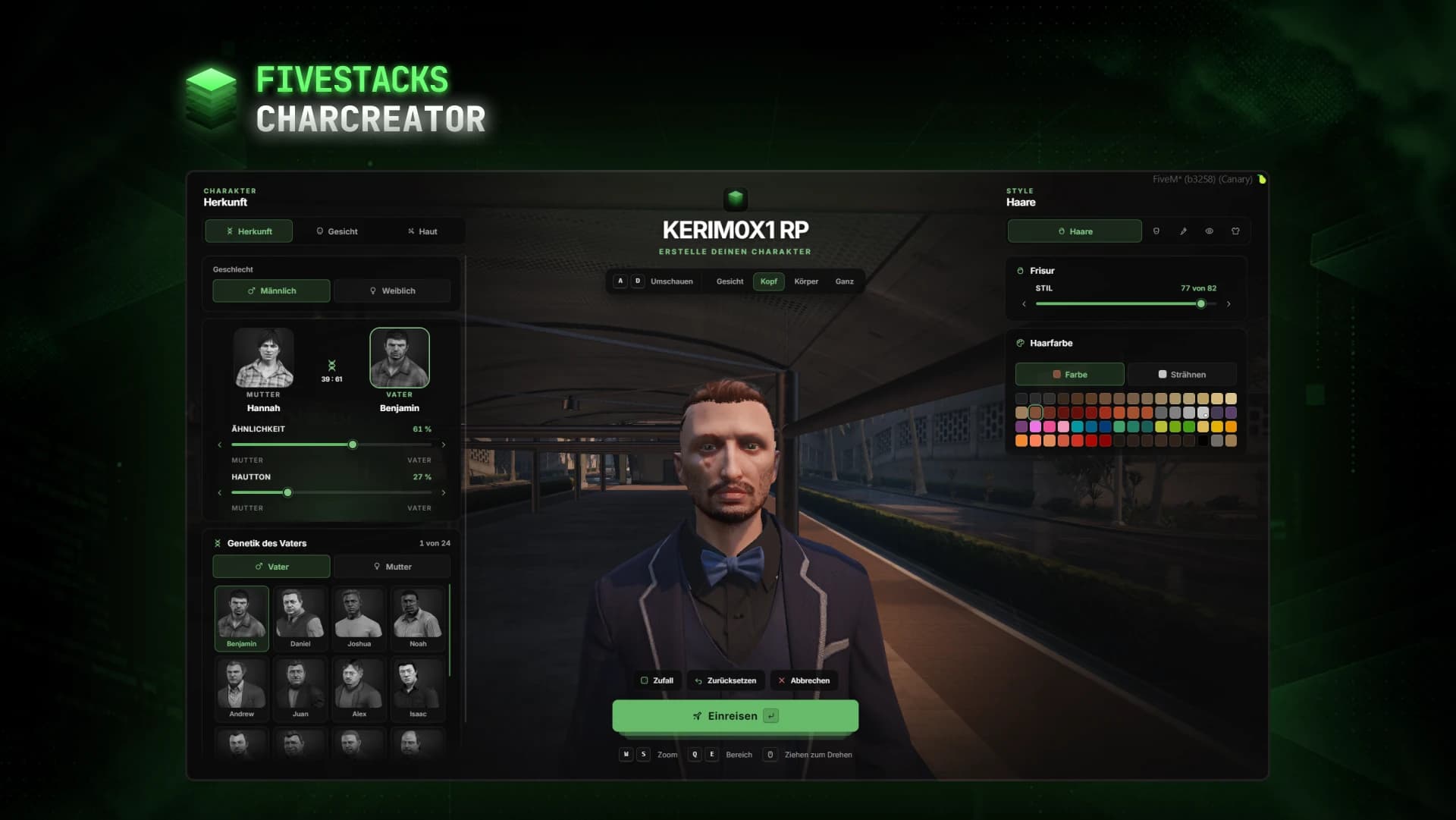
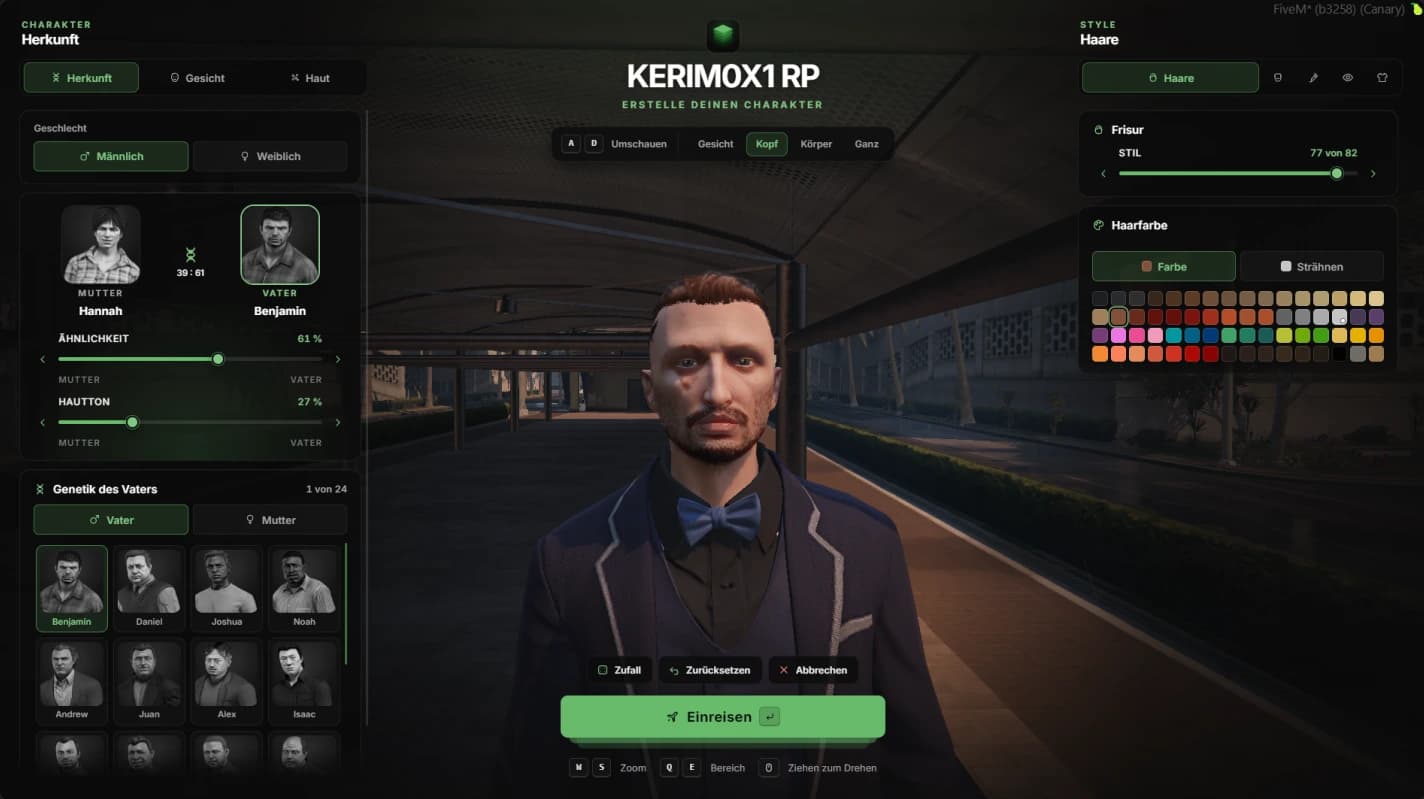
New characters get a fullscreen page with their character live in the middle, heritage and face on the left and style on the right. Every change shows on the character right away, while players turn it and switch between face, head, body and full views. When they enter the city, the look is saved by your appearance script and they are back where they were.
- 46 parent faces and 20 face features in 8 groups
- 12 head overlays and 12 eye colors
- 5 clothing categories, the tab can be turned off
- Random look, reset and a confirmation before entering
- /charcreator for admins and tests, with cancel
- Accent color, page scale and title in the config
- Discord webhook log, no SQL needed
Heritage
Father and mother from the 46 GTA parent faces, shown with their portraits. Resemblance and skin tone are sliders, and the gender switch can be hidden.
Every face feature
All 20 GTA face features in eight groups, from nose to neck, with sliders from the neutral middle. Blemishes, ageing, sun damage and freckles come with opacity.
Hair, make-up and clothes
Hairstyles with color and highlights, beard, brows, make-up, blush, lipstick and eye colors. Top, undershirt, arms, pants and shoes with every variant.
Camera views
Face, head, body and full. Turn with A and D or by dragging, zoom with W and S or the mouse wheel. The character is turned towards free space first.
Arrival scene
The creation happens at LSIA arrivals in daylight, with other players hidden. Afterwards the player is back where they were.
Saved by your script
illenium-appearance, fivem-appearance, qb-clothing, skinchanger or your own function. Nothing is taken over while the appearance script does not answer.
Fits into your server
The appearance script is picked automatically. Multicharacter hooks are one switch in the config, and any other script opens the creator with the export.
Saving
- illenium-appearance
- fivem-appearance
- qb-clothing
- skinchanger / esx_skin
- custom
Character creation
- esx_multicharacter
- esx_identity
- qb-multicharacter
- qbx_core
- export or event
Controls
- Turn the characterAD
- ZoomWS
- Switch sectionQE
- Enter the cityEnter
- Cancel, where allowedEsc
- Turn the characterDrag
- ZoomScroll
Config and exports
The config, locales and framework bridges are plain Lua you can edit. These snippets come straight from the files you get.
any resource
-- client
exports.fivestacks_charcreator:Open({
    first = true,               -- a new character
    gender = 'female',          -- start gender, else the current model
    lockGender = true,          -- hide the gender switch (gender chosen at registration)
    name = 'Mia Stone',         -- "Welcome, Mia Stone" under the title
    canCancel = false,          -- a cancel button that puts the old look back
    onDone = function(character) end,
    onCancel = function() end,
})

-- or as an event
TriggerEvent('fivestacks_charcreator:open', options)

exports.fivestacks_charcreator:IsOpen()
Installation
5 steps from download to a running script. Pick a step to see what goes where.
- resources
resources/└─ [fivestacks]/ └─ fivestacks_charcreator/ ├─ client/ ├─ config/ ├─ locales/ ├─ server/ ├─ shared/ ├─ web/ ├─ fxmanifest.lua └─ README.md
Step 1 of 5
Changelog
v1.0.0Sep 29, 2026
- First release
How buying works
Sales open on October 16. Until then you can look around and ask questions on Discord.
- 1
Open a ticket
Pick a script and open a ticket on our Discord to buy it.
- 2
Get the resource
You receive the resource folder, with the config, locales and framework bridges open to edit.
- 3
Ensure it
Drop it into your resources, add ensure to server.cfg and restart.
More scripts
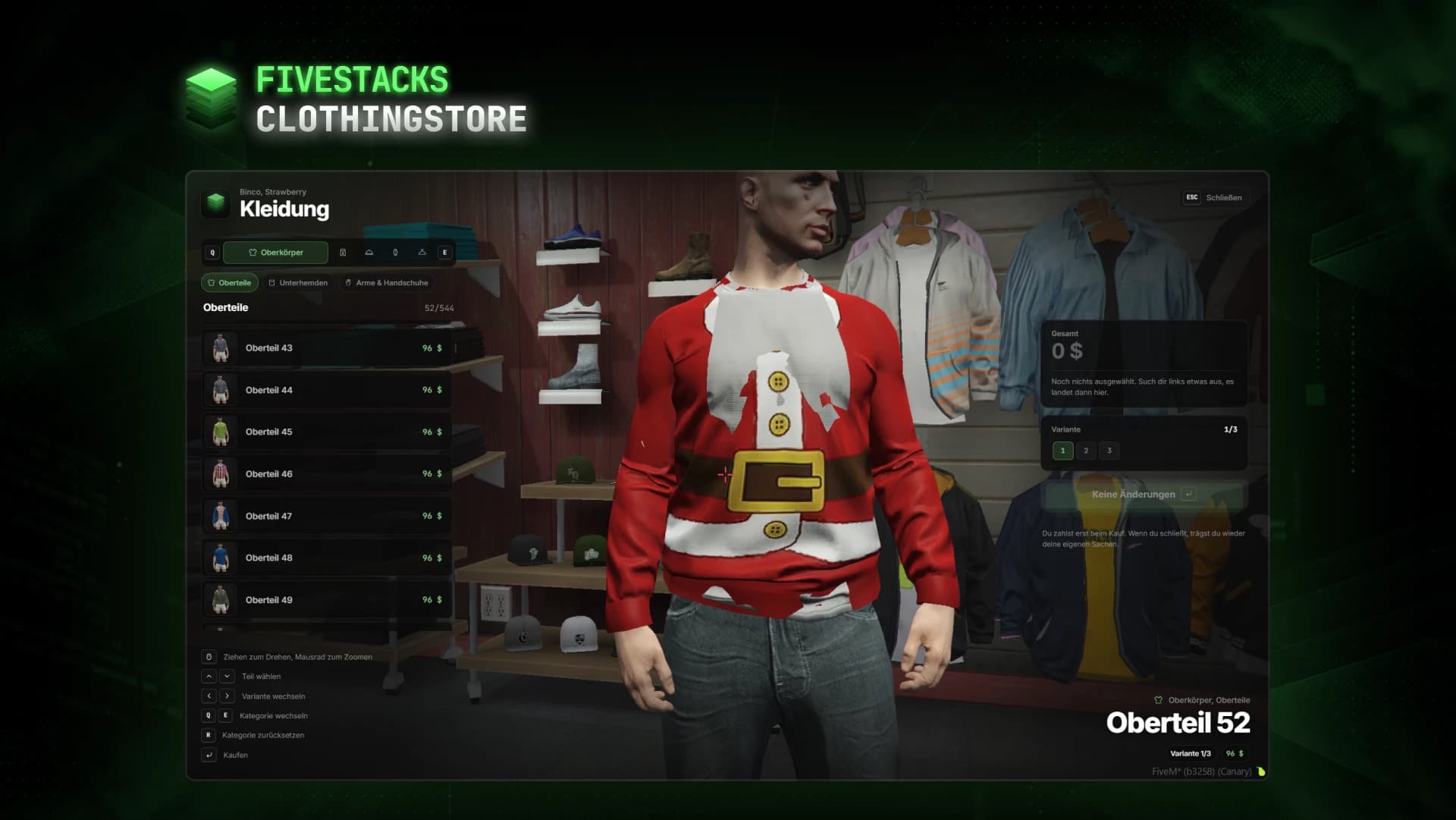
Clothing Store
€50Clothing store with live try-on, color variants, a basket and saved outfits.
- ESX
- QBCore
- Qbox
- Standalone
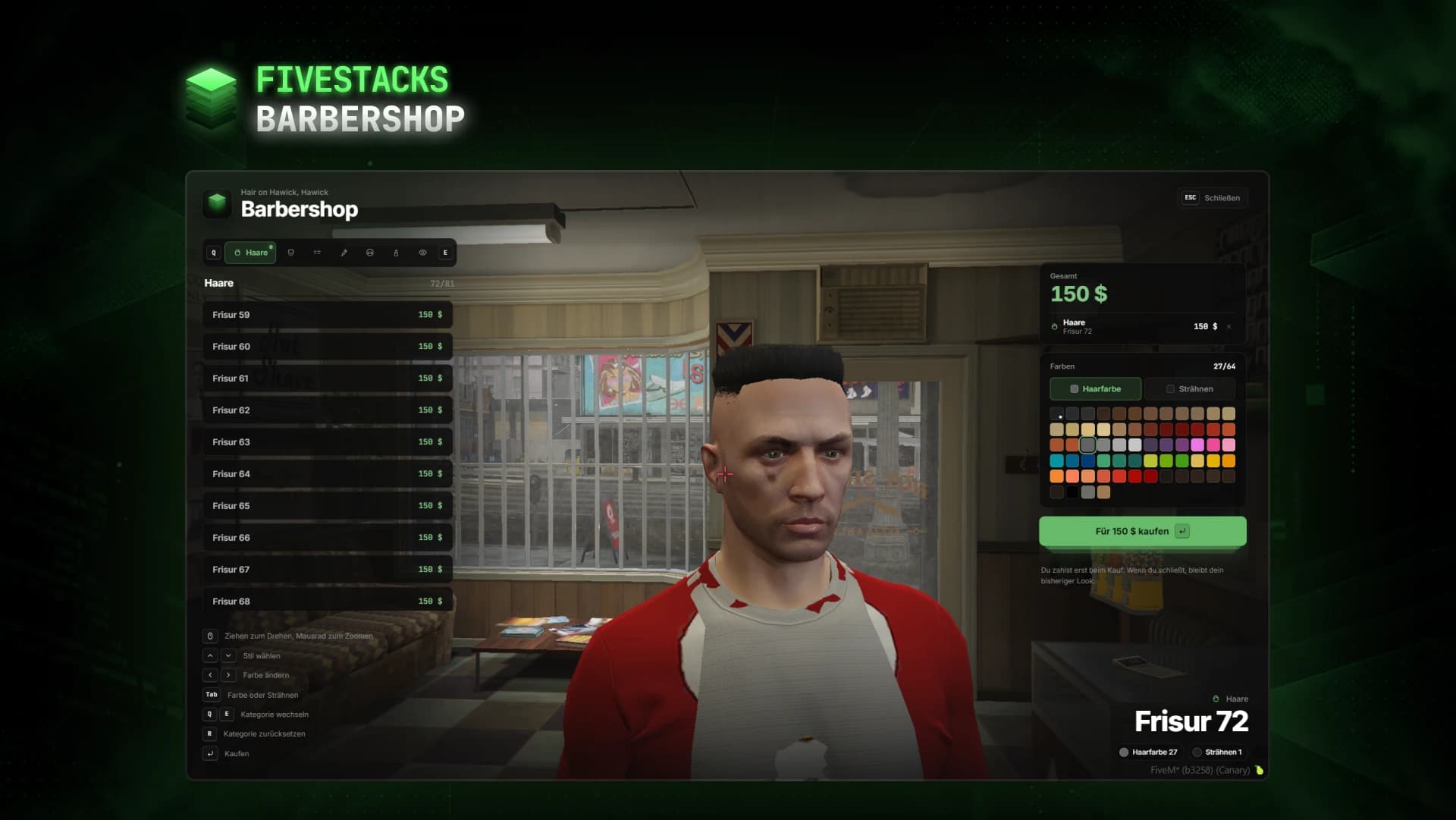
Barbershop
€50Hairstyles, beards, makeup and eye colors, tried live on the player's own character.
- ESX
- QBCore
- Qbox
- Standalone
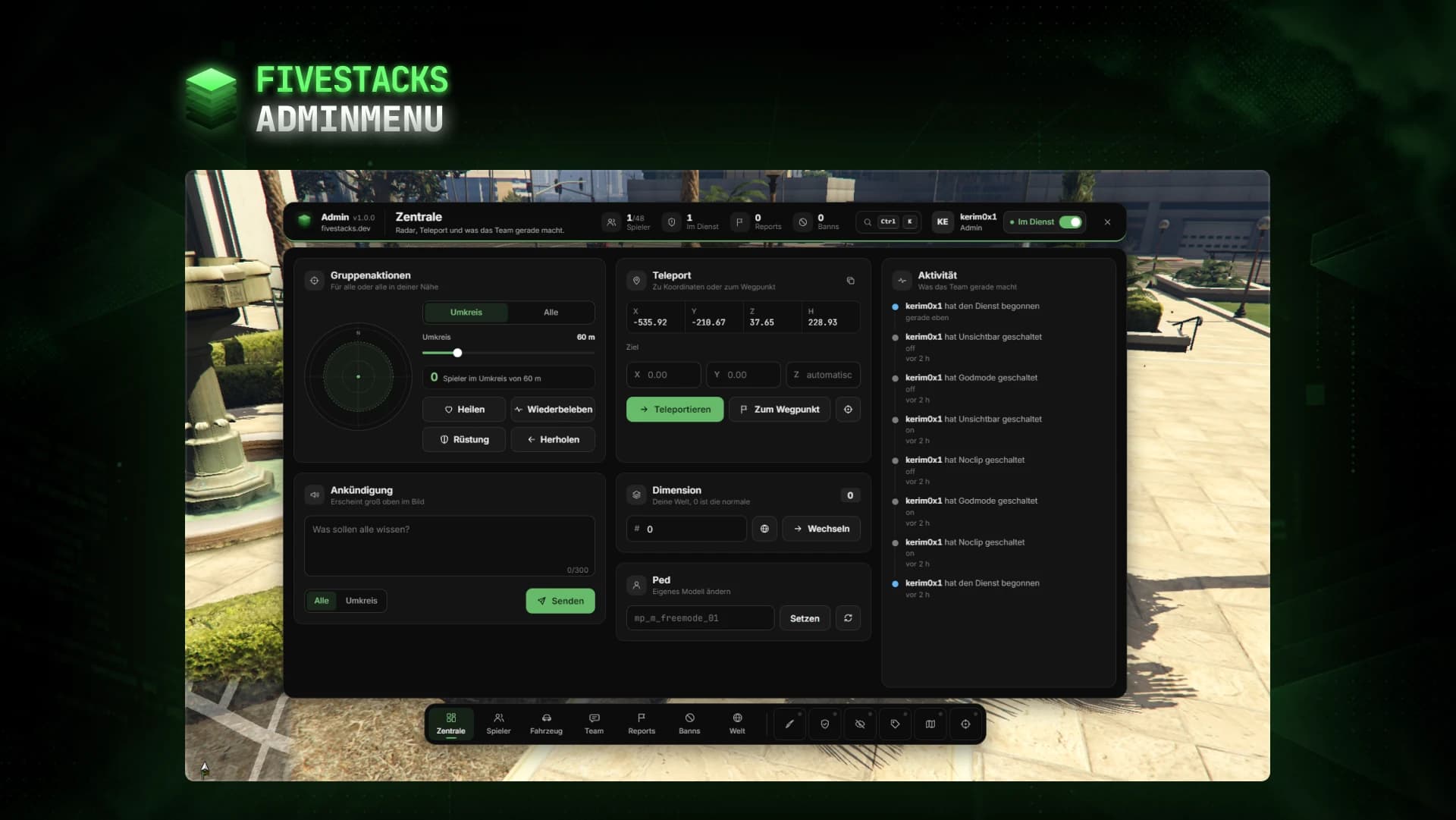
Admin Menu
€80An admin menu for players, vehicles, reports, bans, team chat, weather and developer tools.
- ESX
- QBCore
- Qbox
- Standalone