- > ensure fivestacks_menu
- [fivestacks_menu] v1.0.0 started, framework: qbx, documents: builtin, fivestacks.dev
- [fivestacks_menu] reports: database (0 loaded)
fivestacks_menu
0.00ms
Take the tour
What each part of the menu does. Hover or tap a point.
What Personal Menu does
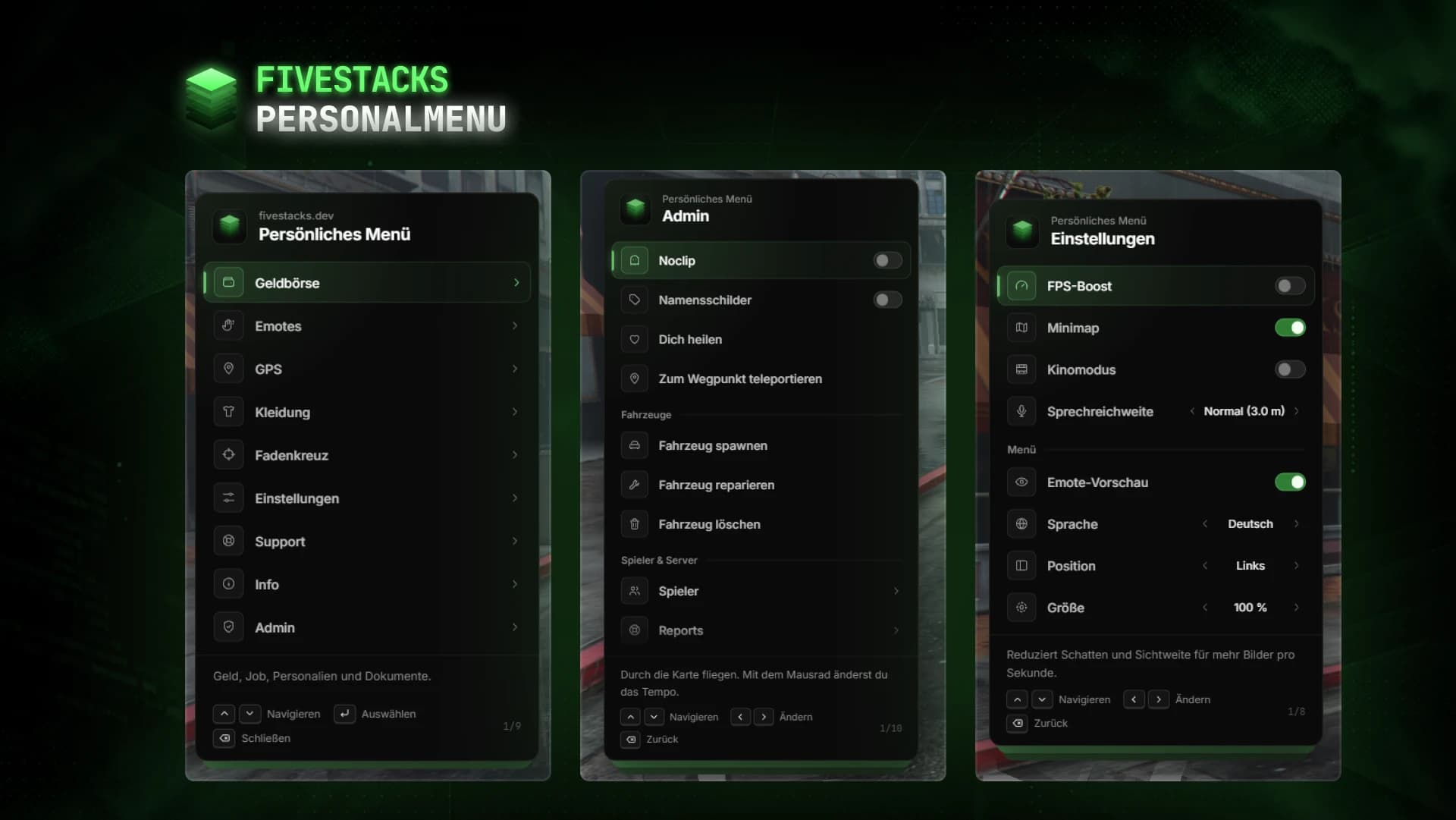
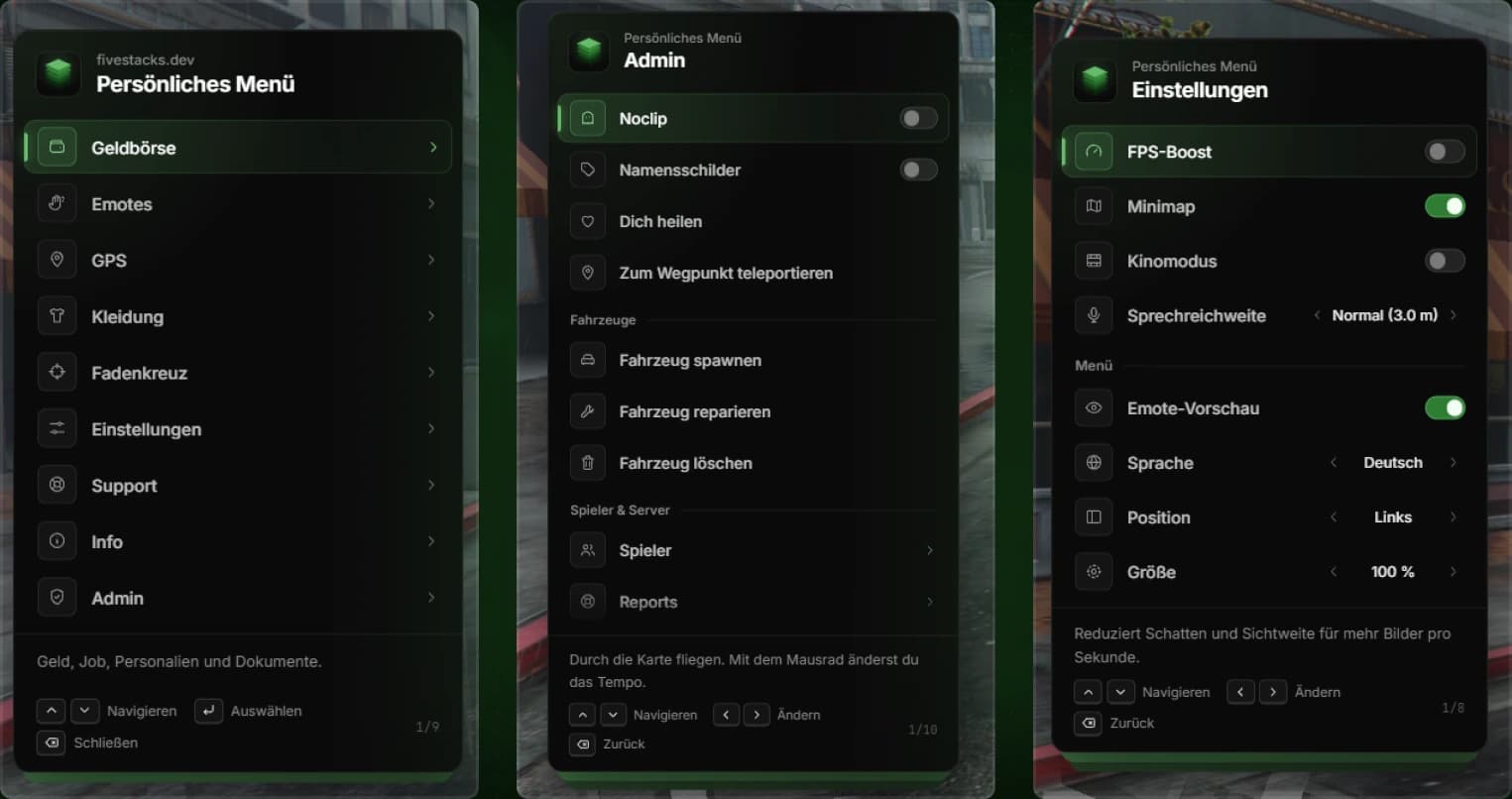
Players press F5 and get one menu for their wallet, documents, emotes, clothing, vehicle, GPS and settings, and they can keep walking while they use it. Emotes play on a preview copy of the player before they pick one, and choices like walk style, crosshair and menu side are saved for each player. Admins find noclip, player tools and a report inbox in the same menu.
- 786 emotes, 99 walk styles and 24 facial expressions
- 13 clothing slots to take off and put back on
- 10 GPS waypoints in 4 groups out of the box
- Crosshair in 4 styles, 6 colors and 3 sizes
- Keyboard mode to keep walking, or a mouse cursor
- Discord webhook logs for admin actions
- Add a language by copying en.lua
Wallet and bills
Name, job and grade, cash, bank and dirty money on ESX. Open bills are paid from the menu through esx_billing, qb-phone or any billing script set in the config.
ID cards and licenses
Look at or show the ID card, driver license and weapon license. Built-in cards with a live photo, or the ID card script you already run. Missing licenses are greyed out with the reason.
Emotes with preview
786 emotes in six categories, plus walk styles and facial expressions. A copy of the player that only they can see shows the highlighted emote. Six quick slots on own keys.
Per-player settings
FPS boost, minimap, cinematic mode, voice range, crosshair, menu language, side and size. Every player keeps their own choice.
Admin tools
Noclip, name tags, vehicles, announcements and player pages with bring, heal, revive, freeze and spectate. Every action is checked on the server, can be limited per action and is logged.
Player reports
Players report a problem or a player nearby, admins take over, reply and close. With oxmysql, reports survive restarts and players find them again after reconnecting.
Fits into your server
ID cards, bills, heal and revive and voice are detected automatically. Any other script can be added in the config without touching code. Clothing uses ped natives, so it works with any appearance script.
ID cards
- built-in cards
- jsfour-idcard
- inventory items
Bills
- esx_billing
- qb-phone
Heal & revive
- esx_ambulancejob
- qb-ambulancejob
- built-in
Voice
- pma-voice
- native
Clothing
- skinchanger
- qb-clothing
- illenium-appearance
Controls
- Open or close the menuF5
- Move the selection↑↓
- Change a value←→
- SelectEnter
- BackBackspace
- CloseEsc
- Stop the emoteX
- Answer a shared emoteYN
- PointB
- CrouchCtrl
Config and exports
The config, locales and framework bridges are plain Lua you can edit. These snippets come straight from the files you get.
config/config.lua
Config.Locale = 'de'                 -- 'en' | 'de'
Config.Menu.Controls = 'keyboard'    -- 'keyboard': walk while using it, 'mouse': cursor
Config.Menu.ServerName = 'My City'   -- shown above the menu title
Config.Theme.Accent = '#66bb6a'      -- accent color of the whole UI
Config.Notify = 'nui'                -- 'framework' to use your framework notifications

Config.Modules = {
    Wallet = true,
    Emotes = true,               -- see config/emotes.lua
    Vehicle = true,              -- only shown while sitting in a vehicle
    Waypoints = true,
    Clothing = true,
    Crosshair = true,
    Settings = true,
    Support = true,              -- player reports, admins handle them in the admin menu
    Info = true,                 -- rules, links, key bindings
    Admin = true,
}
Installation
6 steps from download to a running script. Pick a step to see what goes where.
- resources
resources/└─ [fivestacks]/ └─ fivestacks_menu/ ├─ bridge/ ├─ client/ ├─ config/ ├─ emotes/ ├─ locales/ ├─ server/ ├─ shared/ ├─ sql/ ├─ web/ └─ fxmanifest.lua
Step 1 of 6
Frameworks
| Framework | Money | Detected by |
|---|---|---|
| Qbox | Cash and bank in the wallet | qbx_core |
| QBCore | Cash and bank in the wallet | qb-core |
| ESX | Cash, bank and dirty money in the wallet | es_extended |
| Standalone | No money, admins by ACE only | none of the above |
Changelog
v1.0.0Sep 29, 2026
- First release
How buying works
Sales open on October 16. Until then you can look around and ask questions on Discord.
- 1
Open a ticket
Pick a script and open a ticket on our Discord to buy it.
- 2
Get the resource
You receive the resource folder, with the config, locales and framework bridges open to edit.
- 3
Ensure it
Drop it into your resources, add ensure to server.cfg and restart.
More scripts
Admin Menu
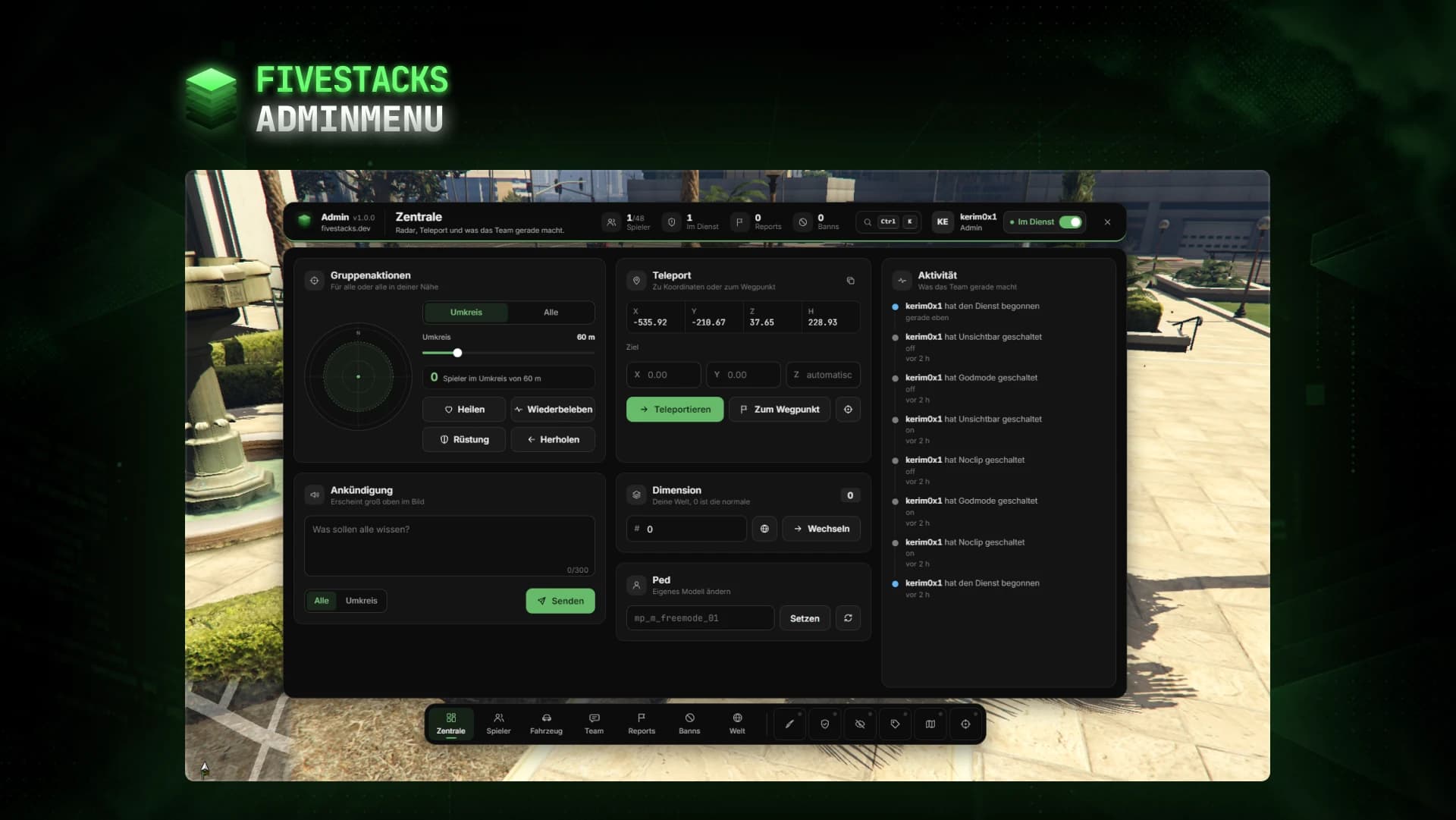
€80An admin menu for players, vehicles, reports, bans, team chat, weather and developer tools.
- ESX
- QBCore
- Qbox
- Standalone
Character Creator
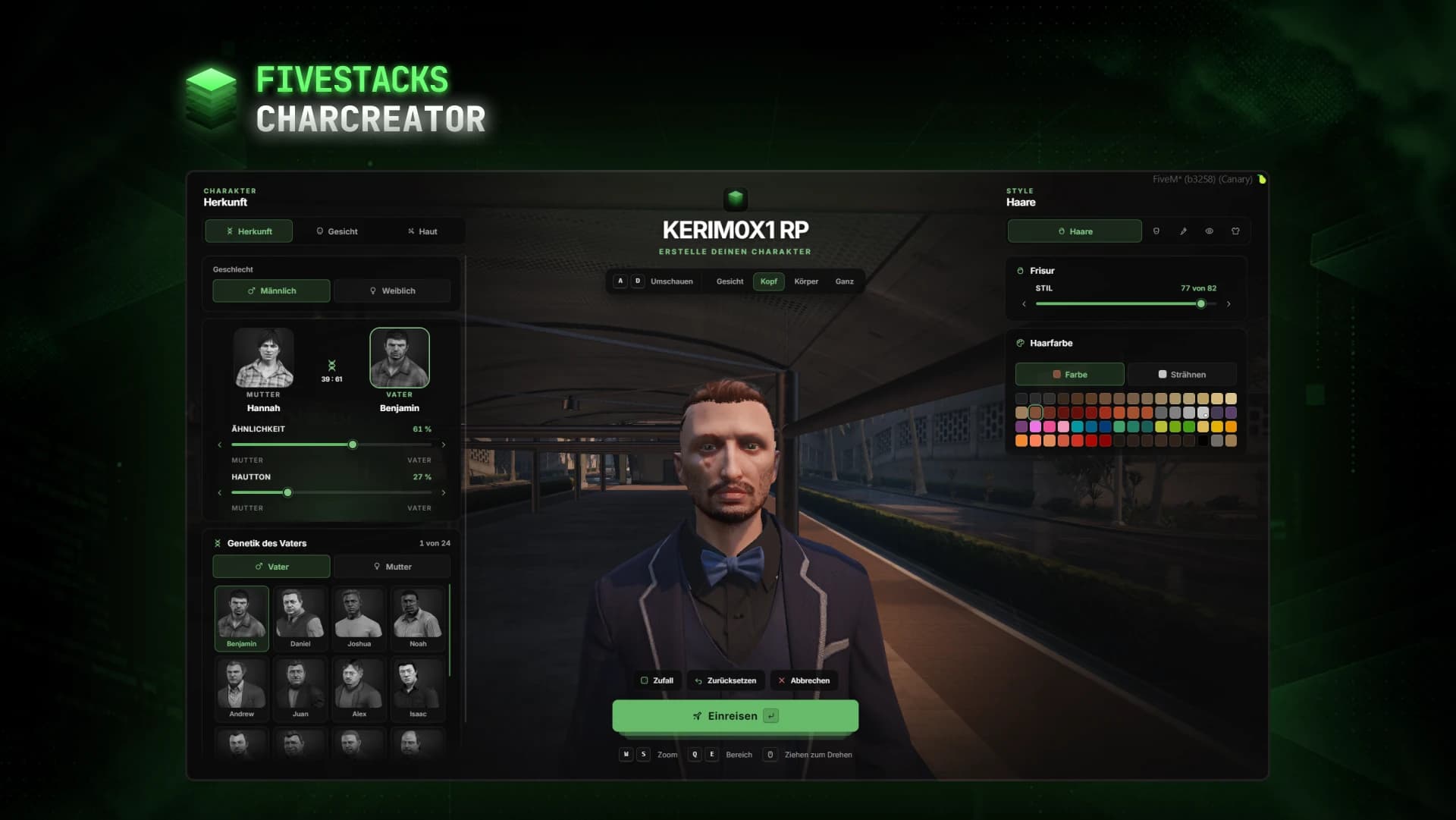
€80Fullscreen character creator with heritage, face, skin, hair, make-up and clothes live on the character.
- ESX
- QBCore
- Qbox
- Standalone
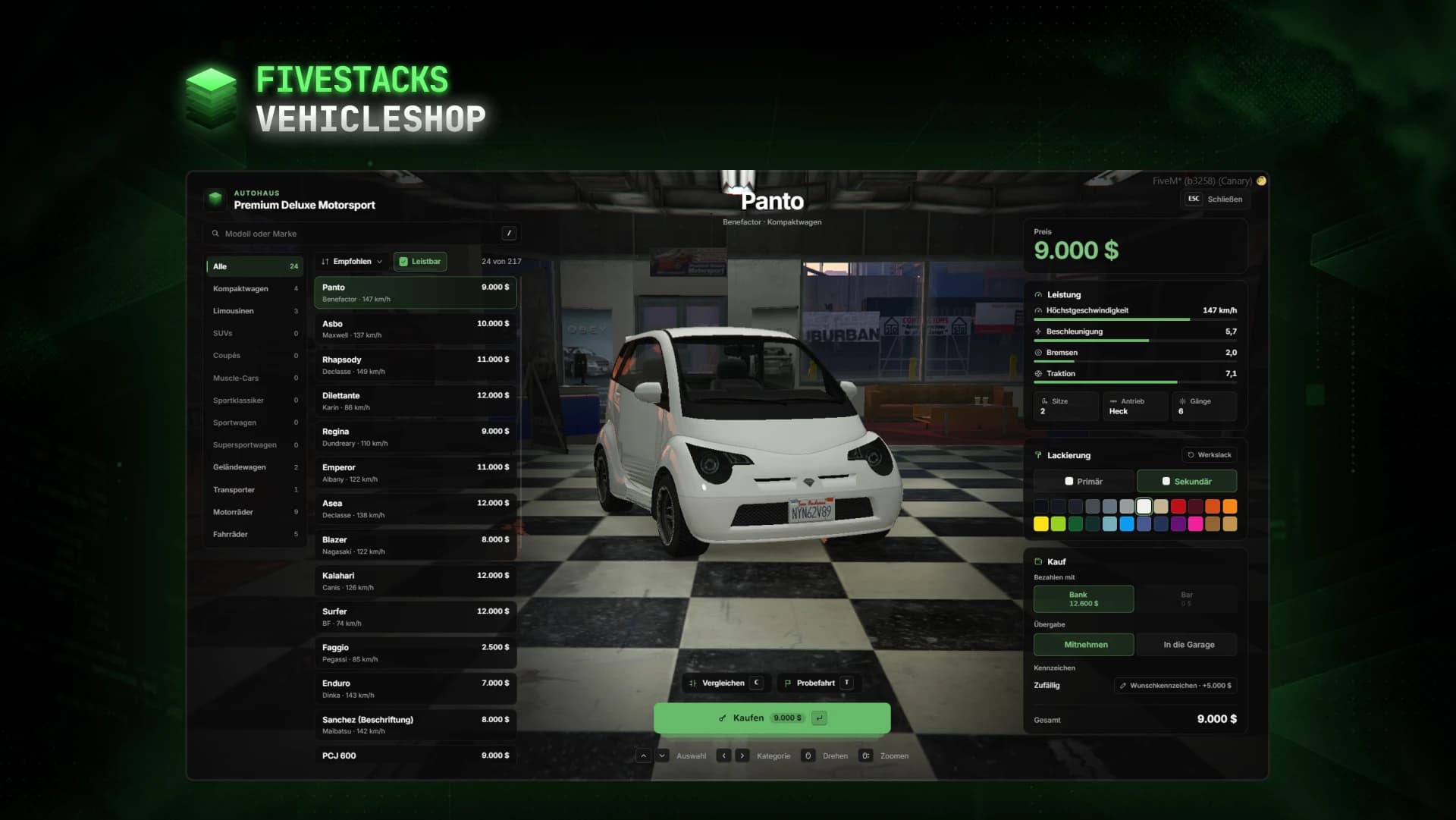
Vehicle Shop
€80Vehicle dealership with a live showroom, compare, paint, test drives and custom plates.
- ESX
- QBCore
- Qbox