- > ensure fivestacks_clothing
- [fivestacks_clothing] v1.0.0 started, framework: qbx, appearance: illenium-appearance, 14 store(s), 13 categories, outfits: on, fivestacks.dev
fivestacks_clothing
0.00ms
Take the tour
What each part of the menu does. Hover or tap a point.
What Clothing Store does
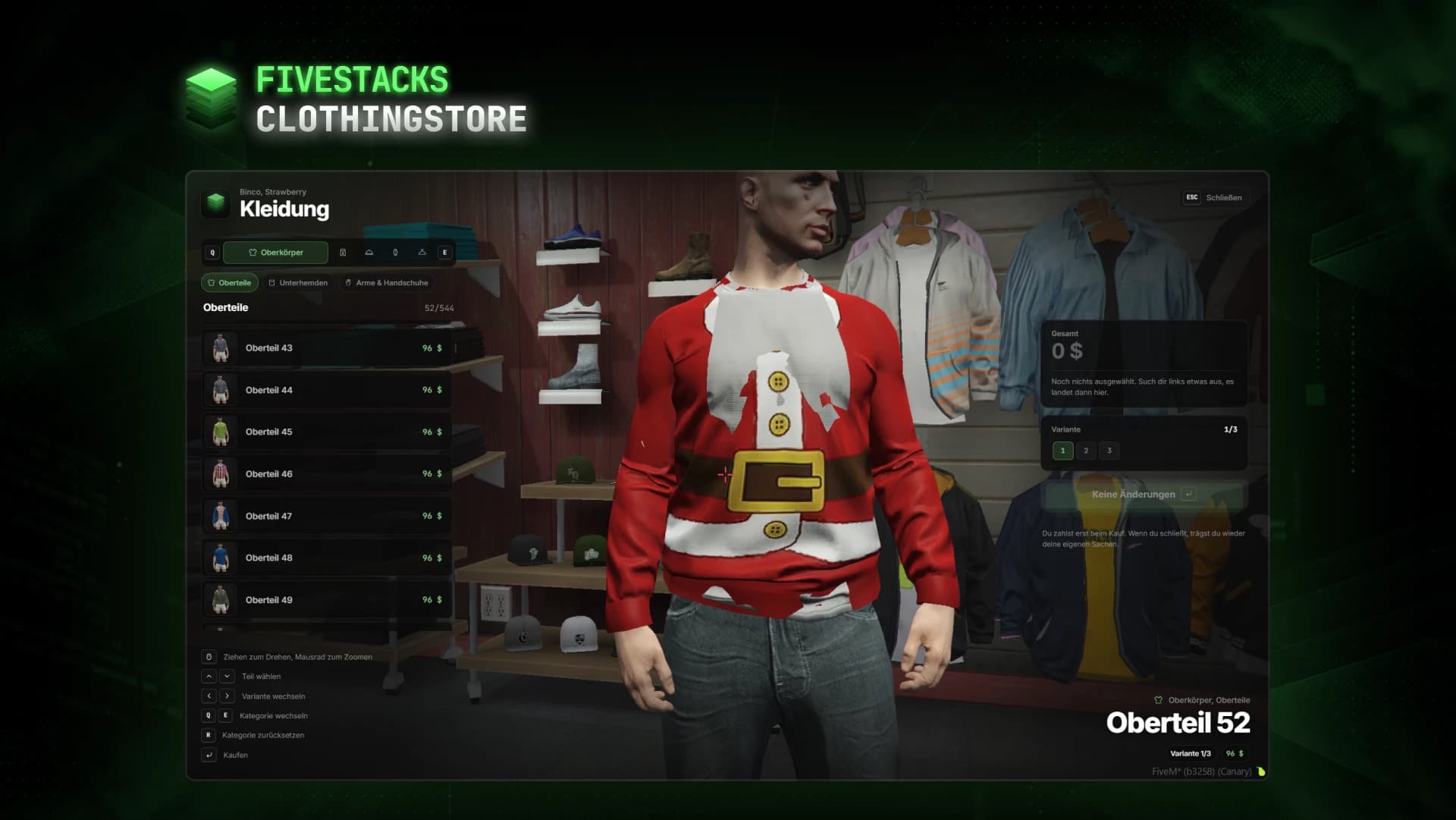
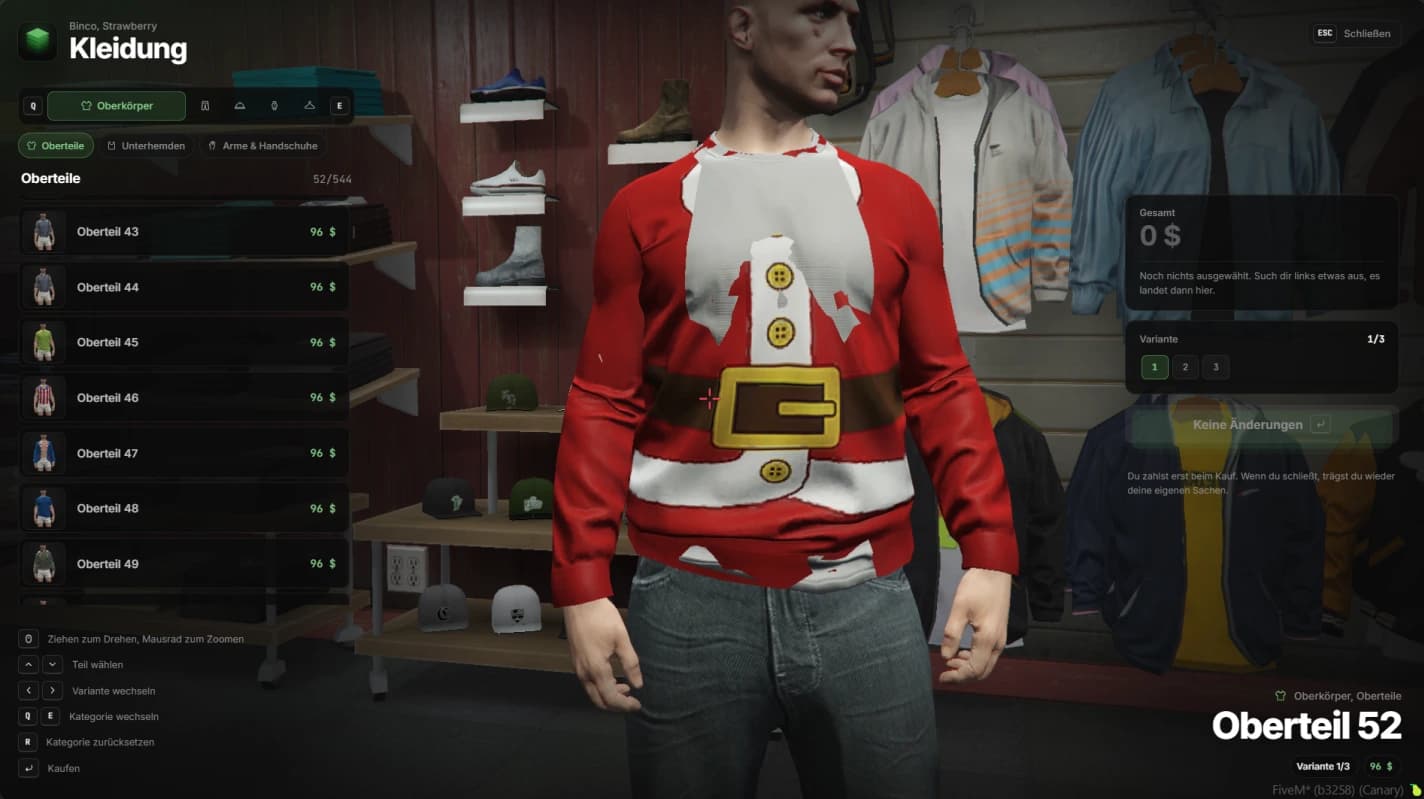
Players walk into one of 14 GTA clothing stores and try clothes on their own character, with a camera for every body part. They pick any color variant, collect everything in a basket and pay once. Outfits can be saved and put on again for free, in the store or in any wardrobe you give them.
- 14 stores in 4 chains out of the box
- 14 categories in 4 groups, vests off by default
- Up to 10 saved outfits per character
- Own prices for single items, hidden job uniforms
- Removing a hat, glasses or jewelry is free
- Optional /outfits command, society account and Discord log
- Free clothes in standalone mode
Live try-on
Items go on the player's own character. Every category has its own camera, from full body down to one wrist, and bags are shown from behind.
One basket
Every changed category lands in the basket with its price and can be removed on its own. Players pay once, and the store stays open afterwards.
Store chains
Binco, Discount Store, Suburban and Ponsonbys, each with its own price level. A store can also sell only some categories, like a mask shop.
Saved outfits
Up to 10 outfits per character, stored in the database and put on again for free. A wardrobe export shows them in houses, motels or job lockers.
Item pictures
An admin runs /clothingthumbs once and every item gets a picture, made on your own server with addon packs included. Items without one show the category icon.
Server authority
The server prices the basket from the config, never from the client. It checks the distance to the store, blocks hidden items and tries the payment accounts in order.
Fits into your server
The appearance script is picked automatically. Any other one can be wired in through your own save function in the config.
Appearance
- illenium-appearance
- fivem-appearance
- qb-clothing
- skinchanger / esx_skin
- custom
Interaction
- built-in marker
- ox_target
- qb-target
Society money
- esx_addonaccount
- Renewed-Banking
- qb-banking
- qb-management
Item pictures
- screenshot-basic
Controls
- Choose an item↑↓
- Change the variant←→
- Switch categoryQE
- Reset the categoryR
- Buy, or put on an outfitEnter
- Save the outfitS
- Delete an outfitDel
- CloseEsc
- Turn the characterDrag
- ZoomScroll
Config and exports
The config, locales and framework bridges are plain Lua you can edit. These snippets come straight from the files you get.
config/config.lua
Config.Brands = {
  binco = { Label = 'Binco', PriceFactor = 0.8 },
  discount = { Label = 'Discount Store', PriceFactor = 0.9 },
  suburban = { Label = 'Suburban', PriceFactor = 1.15 },
  ponsonbys = { Label = 'Ponsonbys', PriceFactor = 1.6 },
}

-- a brand store, and a mask shop that sells one category
Config.Locations.binco_strawberry = { Brand = 'binco', Area = 'Strawberry', Coords = vector3(72.25, -1399.10, 29.38) }

Config.Locations.mask_shop = {
  Label = 'Vespucci Movie Masks', Area = 'Vespucci Beach',
  Coords = vector3(0.0, 0.0, 0.0), PriceFactor = 1.0, Categories = { 'masks' },
}
Installation
6 steps from download to a running script. Pick a step to see what goes where.
- resources
resources/└─ [fivestacks]/ └─ fivestacks_clothing/ ├─ bridge/ ├─ client/ ├─ config/ ├─ locales/ ├─ server/ ├─ shared/ ├─ sql/ ├─ web/ ├─ fxmanifest.lua └─ README.md
Step 1 of 6
Changelog
v1.0.0Sep 29, 2026
- First release
How buying works
Sales open on October 16. Until then you can look around and ask questions on Discord.
- 1
Open a ticket
Pick a script and open a ticket on our Discord to buy it.
- 2
Get the resource
You receive the resource folder, with the config, locales and framework bridges open to edit.
- 3
Ensure it
Drop it into your resources, add ensure to server.cfg and restart.
More scripts
Character Creator
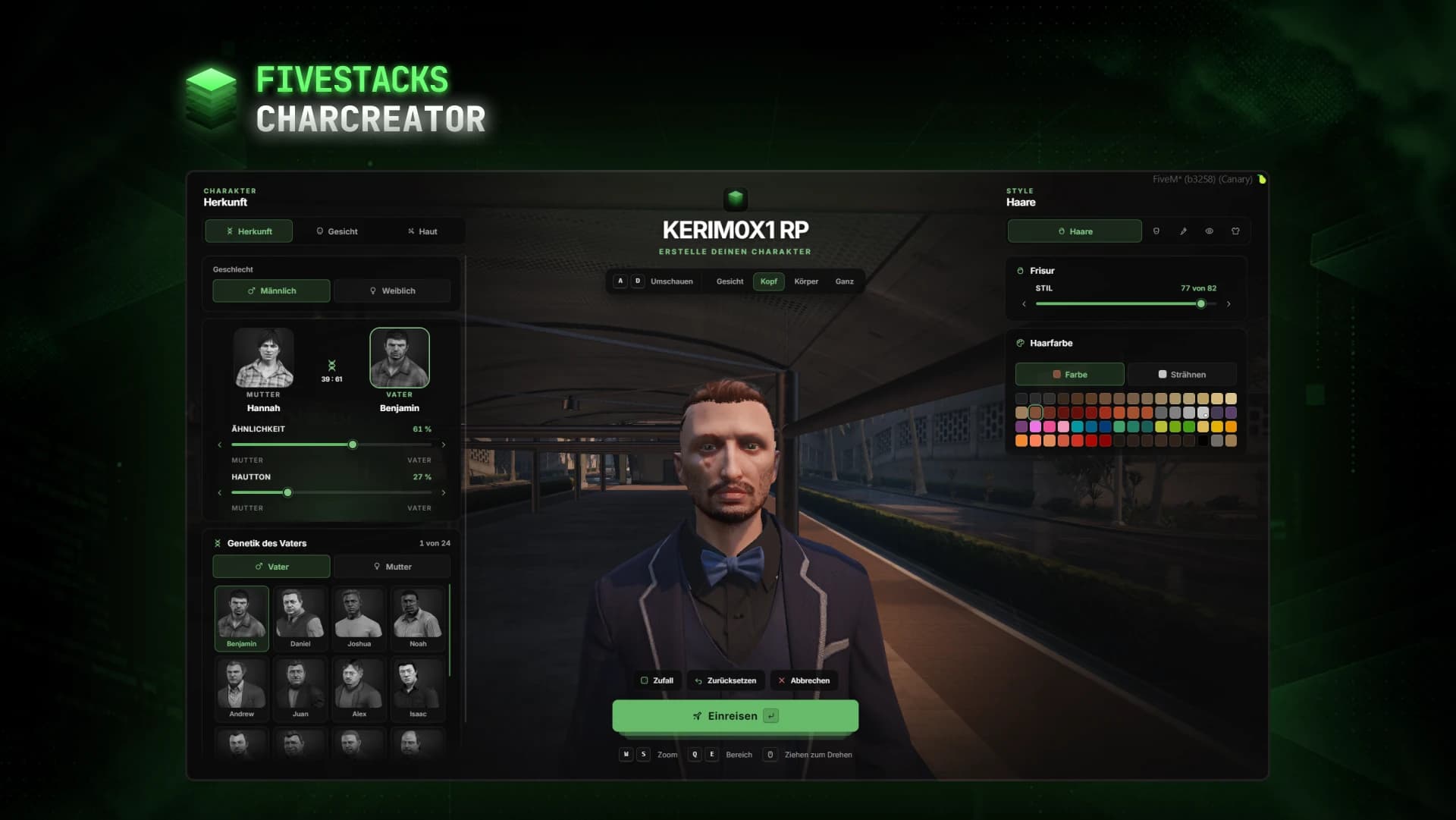
€80Fullscreen character creator with heritage, face, skin, hair, make-up and clothes live on the character.
- ESX
- QBCore
- Qbox
- Standalone
Barbershop
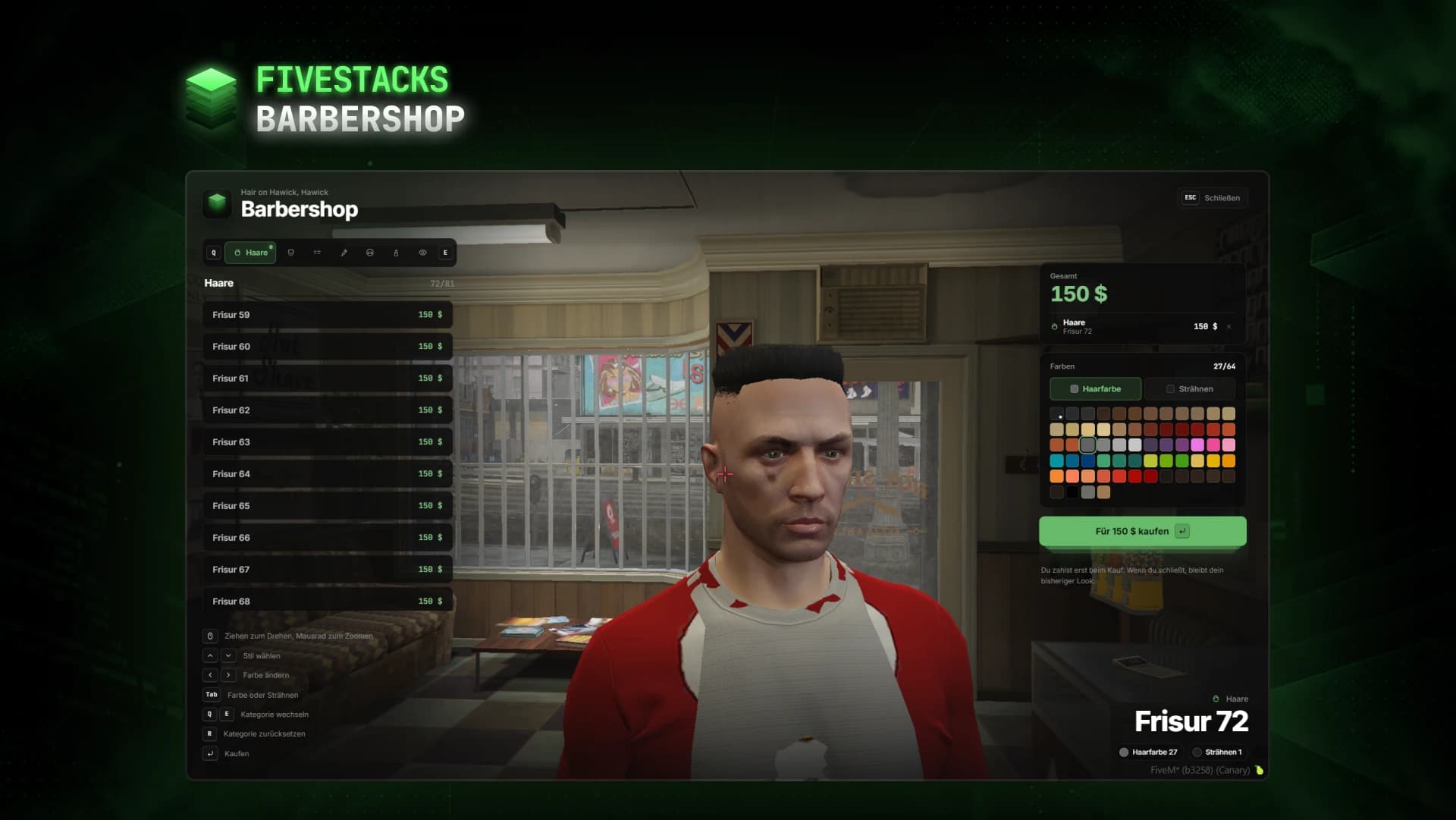
€50Hairstyles, beards, makeup and eye colors, tried live on the player's own character.
- ESX
- QBCore
- Qbox
- Standalone
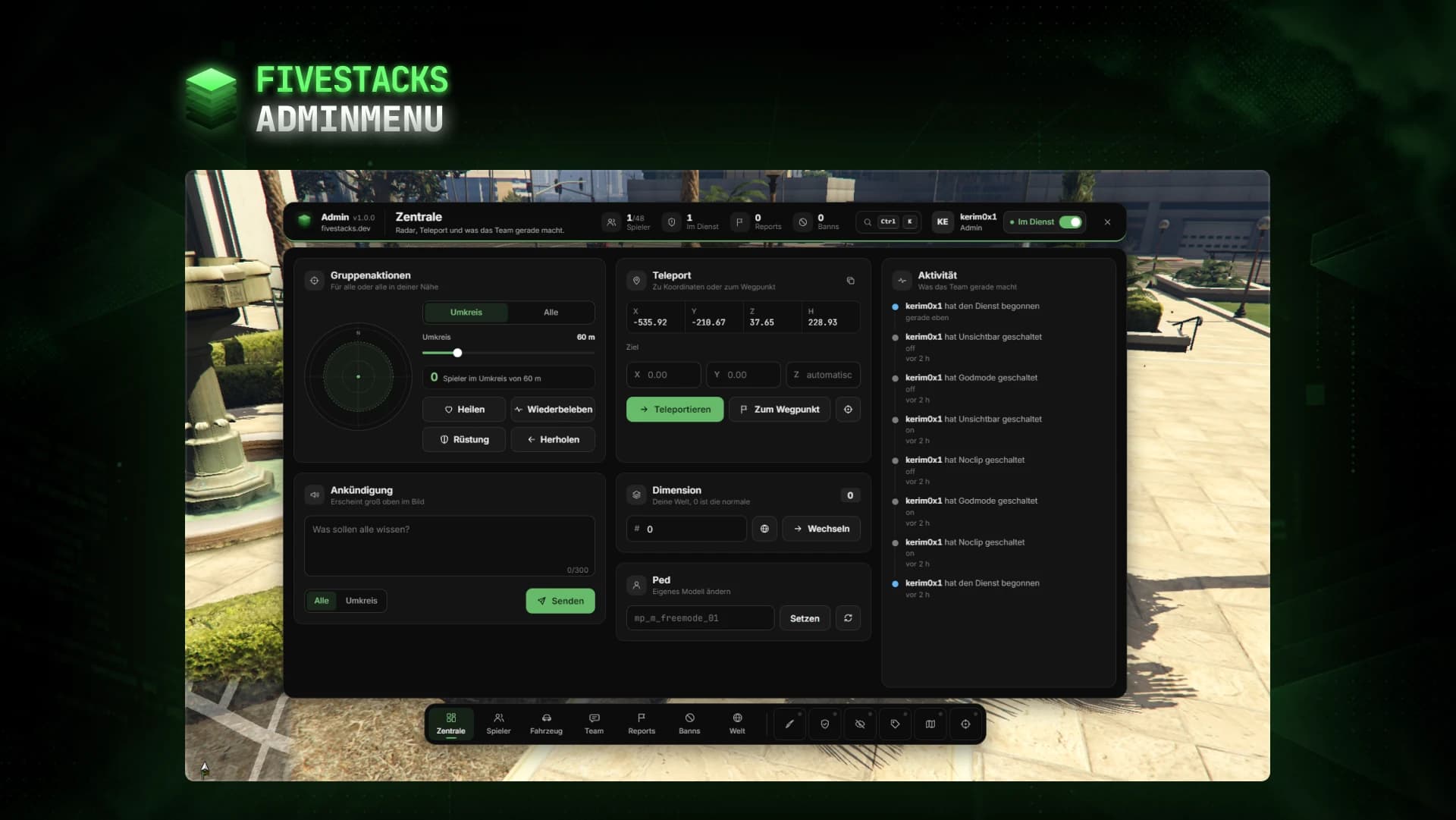
Admin Menu
€80An admin menu for players, vehicles, reports, bans, team chat, weather and developer tools.
- ESX
- QBCore
- Qbox
- Standalone