- > ensure fivestacks_deathscreen
- [fivestacks_deathscreen] v1.0.0 started, framework: qbx, last stand: 180s, dispatch: ambulance, fivestacks.dev
fivestacks_deathscreen
0.00ms
Take the tour
What each part of the menu does. Hover or tap a point.
What Death Screen does
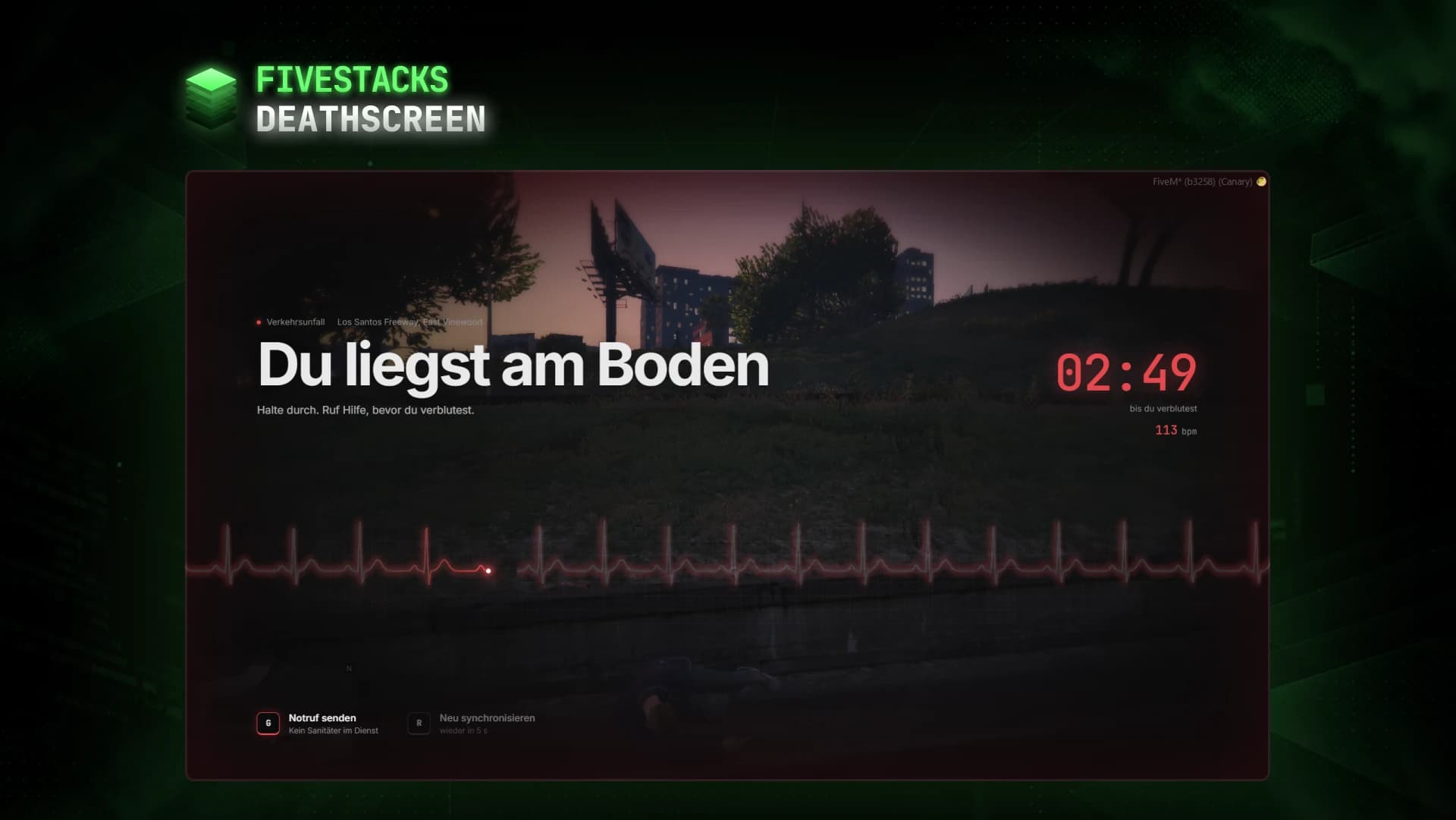
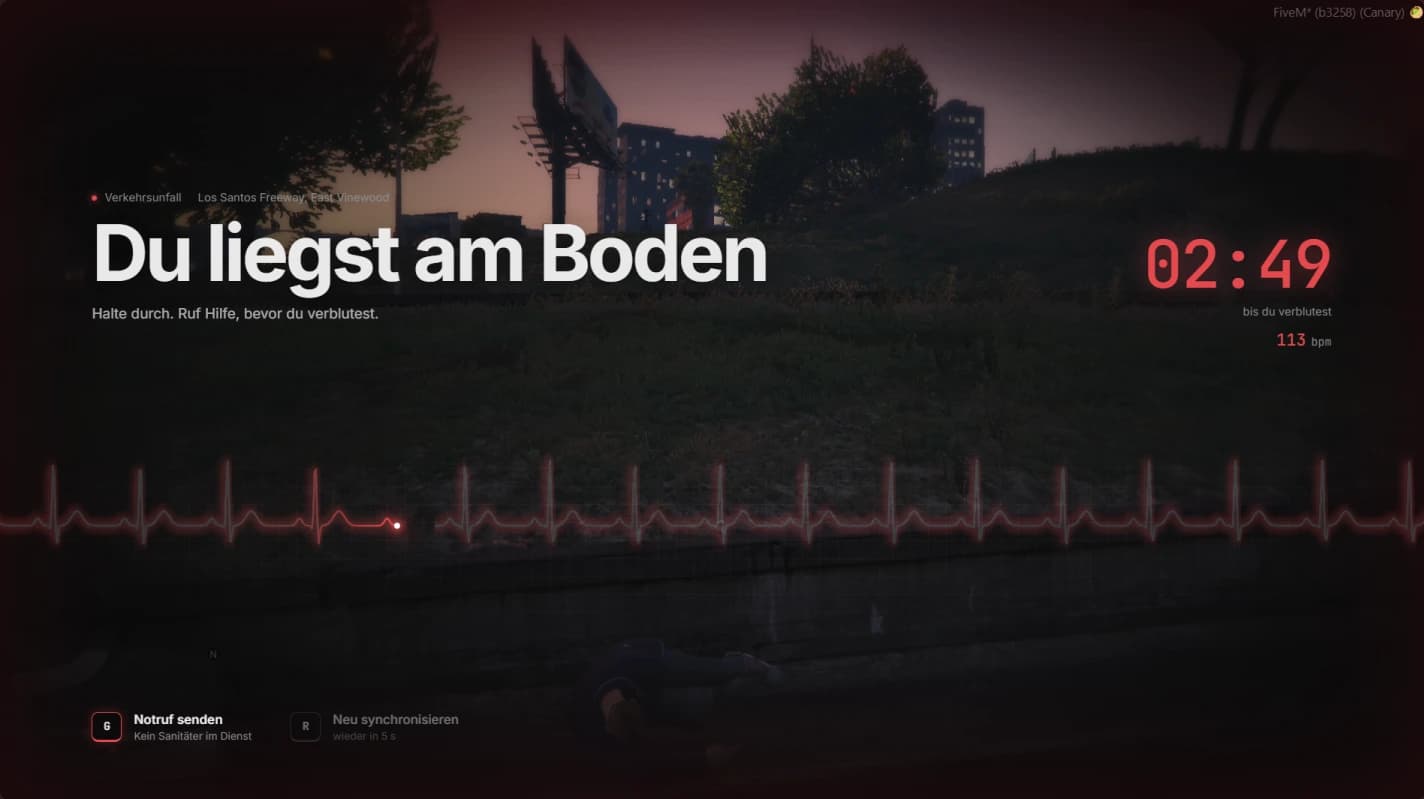
Players go down first and bleed out, while a live patient monitor shows the cause, a timer and a falling pulse. They call the medics with one key, and medics on duty get the call with a blip and a route and revive them on site with CPR. When nobody comes, players wake up in the nearest hospital.
- Down for 3 minutes, then 2 minutes until the hospital wake up
- 3 hospitals out of the box, the nearest one is used
- 11 causes of death, from gunshot to drowning, never the killer's name
- One call per player per minute, open calls close after 10 minutes
- Saved states come back when players return within 1 hour
- Monitor sound as one soft tone, a beep with every beat or off
- Discord logs and hooks for respawn penalties, medic pay and treatment checks
Live patient monitor
A live ECG sweeps across the screen. The pulse falls from 118 to 34 bpm while the player bleeds out and turns irregular in the last stretch. After death the line goes flat, and while a medic works it turns green and steady.
Last stand
Players are down for 3 minutes first and can be finished off in that time. Then they are dead, and after 2 minutes they hold E to wake up in the nearest hospital.
Emergency calls
G sends a call to the medics on duty. They get a card with cause, street and live distance, a flashing blip and a route on Y. The patient sees who is coming and how far away they are.
CPR on site
Medics hold E next to a patient for 8 seconds of CPR, with a marker above everyone lying close by. Bleeding out pauses meanwhile, and the server checks job, duty, distance and duration.
Synced and saved
The server decides who is down or dead and shares it through a state bag, plus the isdead and inlaststand flags on QBCore and Qbox. Players who log out while down or dead come back where they lay.
Checked on the server
Every request goes through one rate limited callback. Call and respawn positions come from the server, and revive events from other scripts only count when you allow them and a medic on duty stands next to the player.
Fits into your server
Keep your ambulance job for garage, pharmacy and billing, turn off its death screen and let it revive through the export. MySQL or PostgreSQL is read from your oxmysql connection string. Without oxmysql, death states are saved on the server.
Revive events
- esx_ambulancejob
- qb-ambulancejob
- fivestacks_menu
- server export
Dispatch
- built-in
- your dispatch script
Saving
- MySQL
- MariaDB
- PostgreSQL
- resource KVP
Controls
- Call for help while down or deadG
- Hold to wake up in hospital once the timer is overE
- Resync the character, every 10 s at mostR
- Medics: accept the newest callY
- Medics: dismiss the newest callN
- Medics: hold next to a patient to reviveE
- Admins: revive a player by id, or yourself/revive
Config and exports
The config, locales and framework bridges are plain Lua you can edit. These snippets come straight from the files you get.
config/config.lua
-- Last stand: the player is down first and bleeds out, attacks in this phase finish them.
Config.Down = {
    Enabled = true,
    Duration = 180,         -- seconds until the player bleeds out and is dead
    Health = 150,           -- health while down (100 = dead), damage can finish the player
}

-- Dead: the player can wake up in a hospital after a while.
Config.Dead = {
    RespawnAfter = 120,     -- seconds after death until the player may respawn
    HoldRespawn = 3,        -- seconds the key has to be held
}

Config.Respawn = {
    Health = 200,           -- health after waking up in the hospital (100-200)
    -- The nearest hospital is used. Coords are where the player stands, heading is w.
    Hospitals = {
        { label = { en = 'Central Los Santos Medical', de = 'Central Los Santos Medical' }, coords = vector4(341.0, -1397.3, 32.5, 48.5) },
        -- 3 hospitals by default
    },
}
Installation
7 steps from download to a running script. Pick a step to see what goes where.
- resources
resources/└─ [fivestacks]/ └─ fivestacks_deathscreen/ ├─ bridge/ ├─ client/ ├─ config/ ├─ locales/ ├─ server/ ├─ shared/ ├─ sql/ ├─ web/ ├─ fxmanifest.lua └─ README.md
Step 1 of 7
Changelog
v1.0.0Sep 29, 2026
- First release
How buying works
Sales open on October 16. Until then you can look around and ask questions on Discord.
- 1
Open a ticket
Pick a script and open a ticket on our Discord to buy it.
- 2
Get the resource
You receive the resource folder, with the config, locales and framework bridges open to edit.
- 3
Ensure it
Drop it into your resources, add ensure to server.cfg and restart.
More scripts
Admin Menu
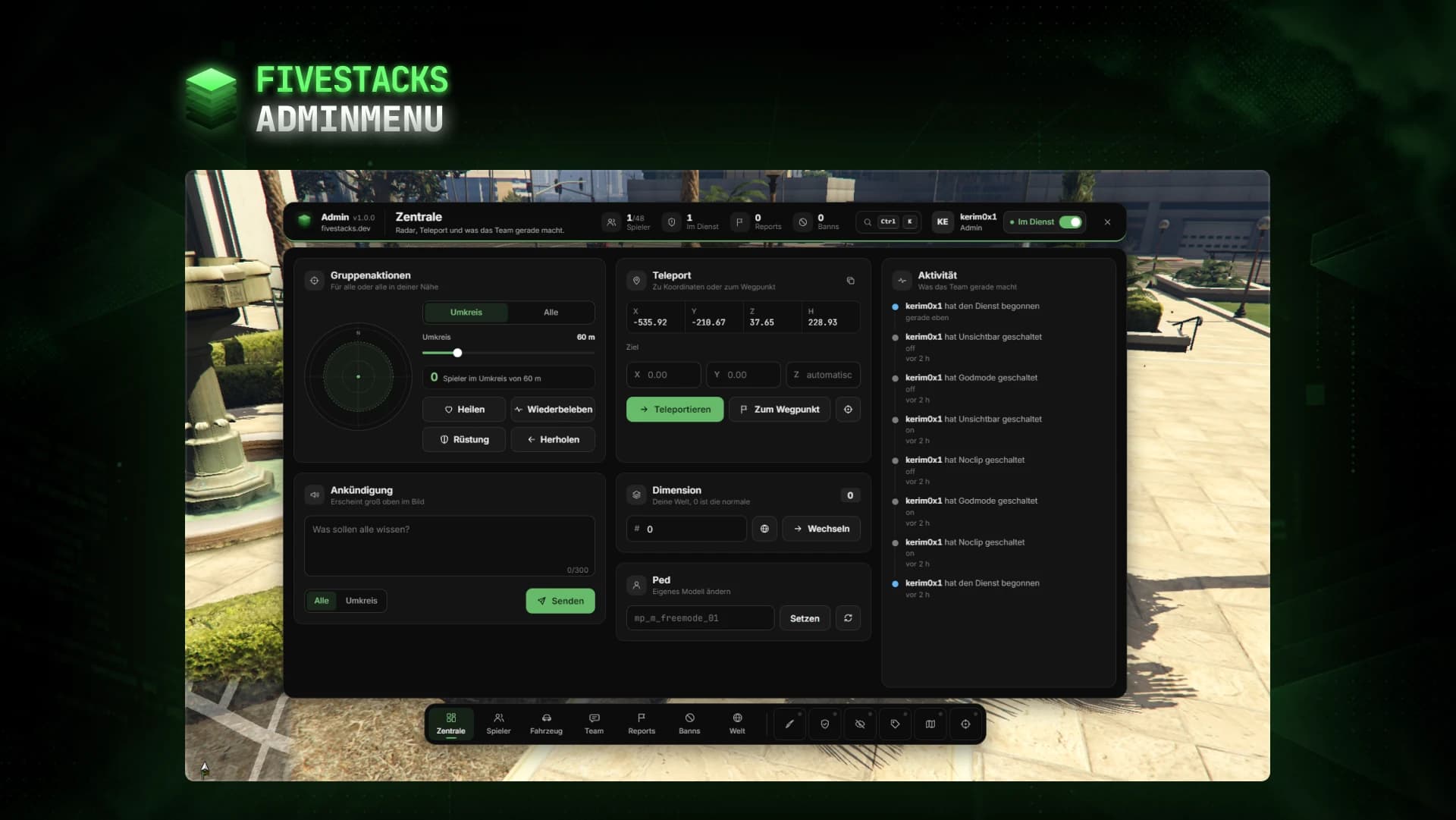
€80An admin menu for players, vehicles, reports, bans, team chat, weather and developer tools.
- ESX
- QBCore
- Qbox
- Standalone
Personal Menu
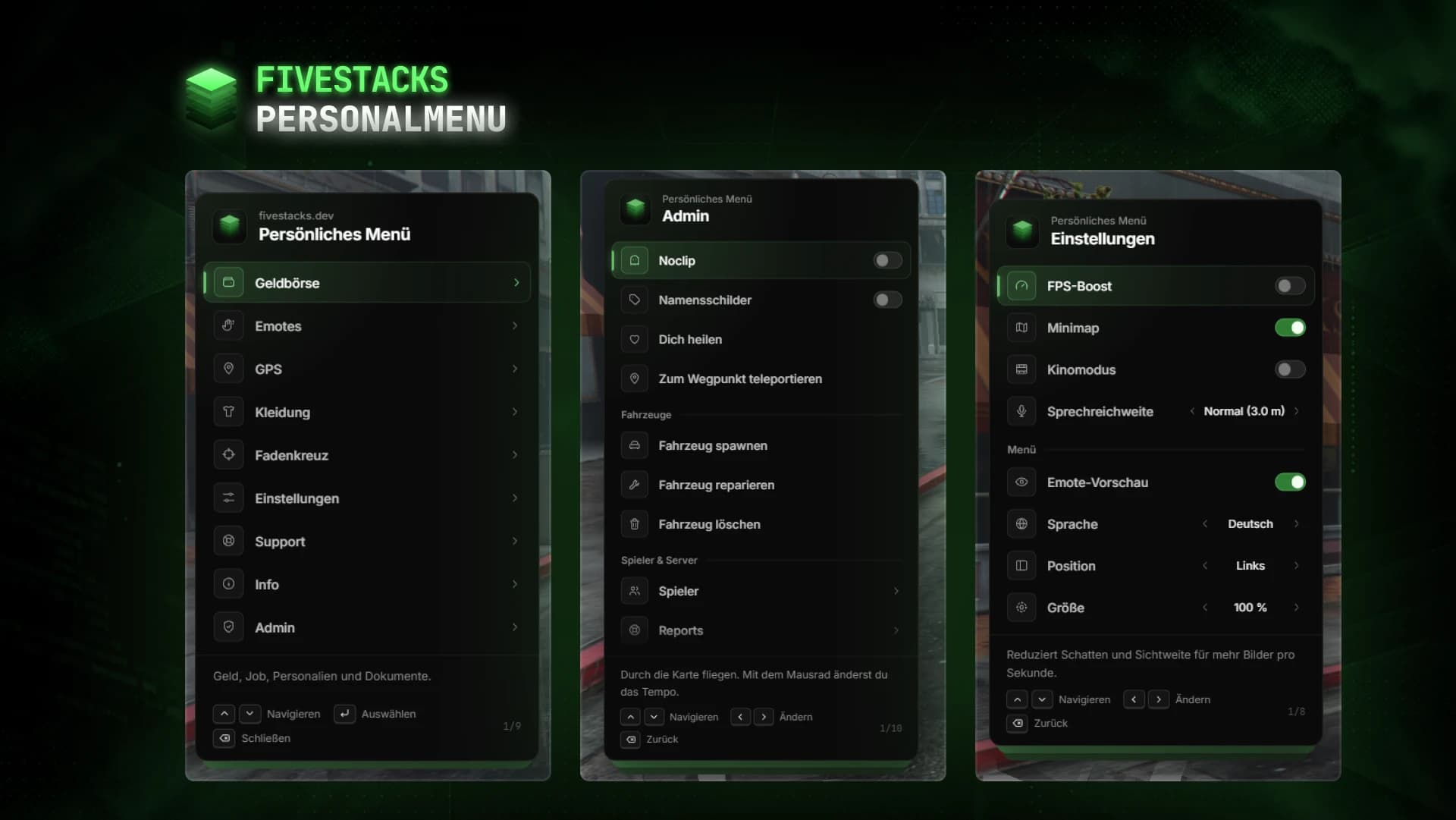
€80Wallet, documents, emotes, settings and admin tools in one F5 menu.
- ESX
- QBCore
- Qbox
- Standalone
Character Creator
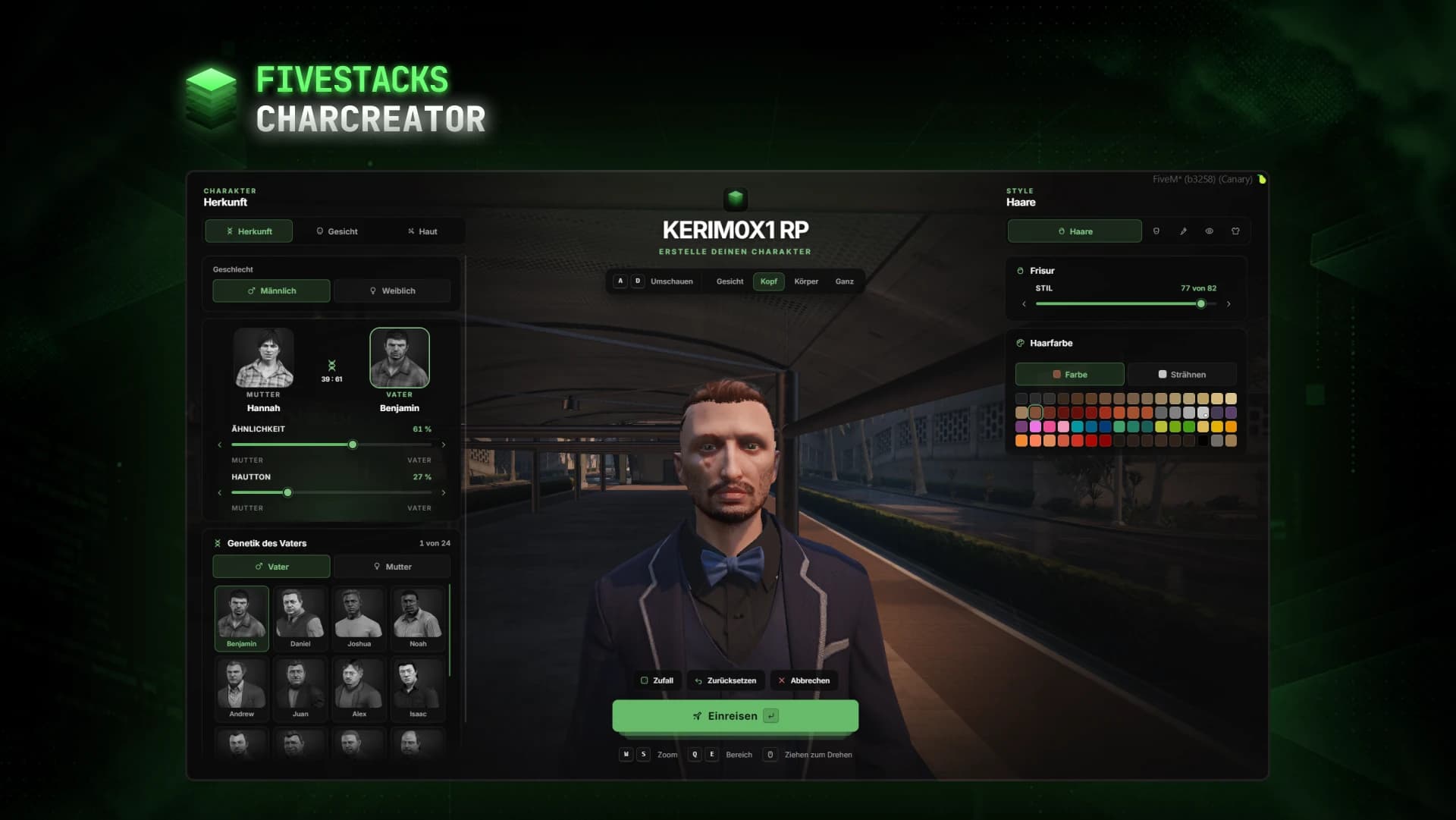
€80Fullscreen character creator with heritage, face, skin, hair, make-up and clothes live on the character.
- ESX
- QBCore
- Qbox
- Standalone